



YouTube Video Tutorial (english subtitles)

Anweisungen zum Erstellen einer Diskussion auf der Website des Diskussionsforums – disqus.com
In dieser Anleitung erfahren Sie, wie Sie der Webnode-Website eine Diskussion hinzufügen, damit Besucher Ihrer Website Kommentare hinzufügen oder diskutieren können.
Wir werden eine externe Anwendung verwenden – HTML-Code.
1. Registrieren Sie sich
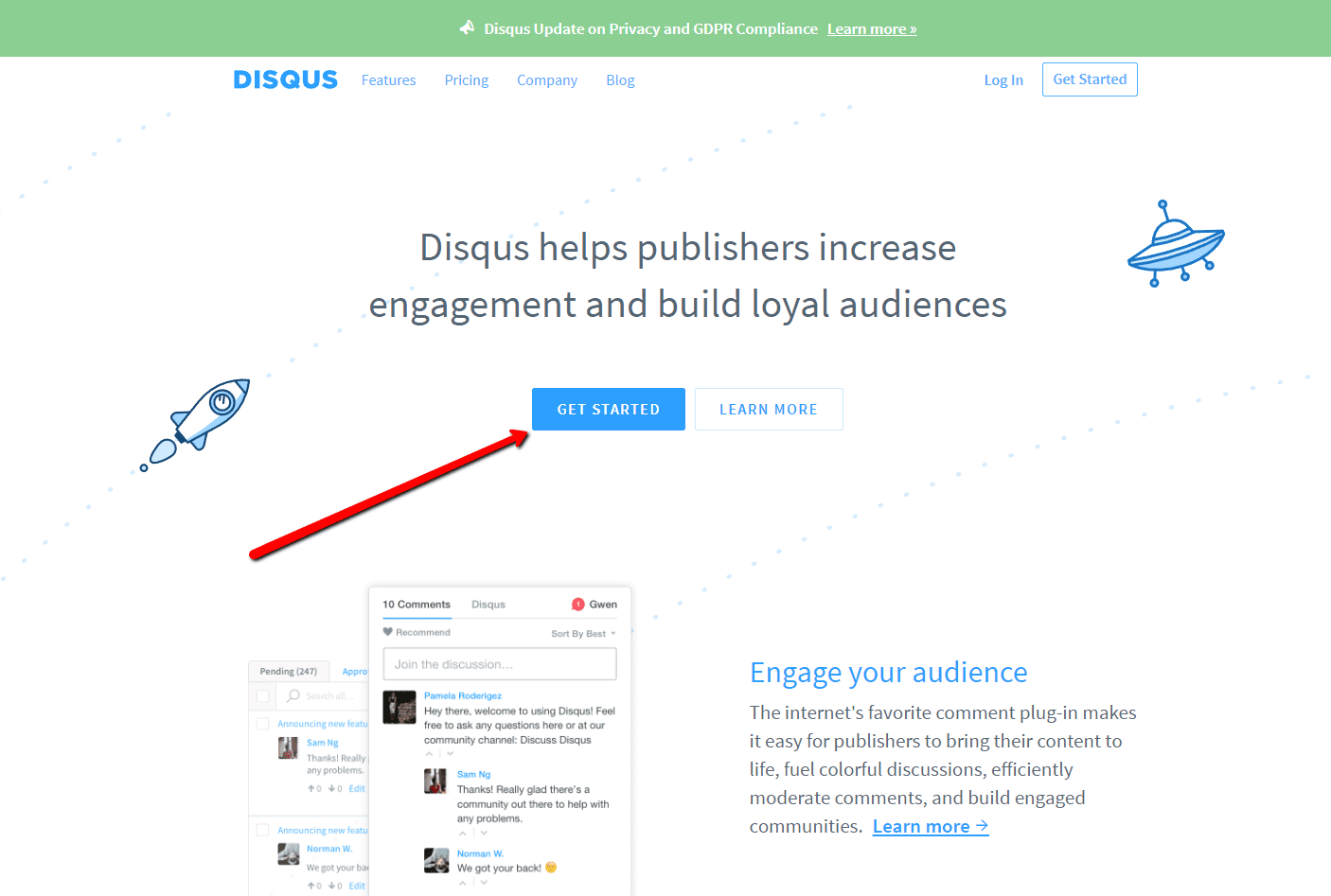
Der erste Schritt ist die Registrierung auf disqus.com.

2. Geben Sie die Anmeldedaten ein
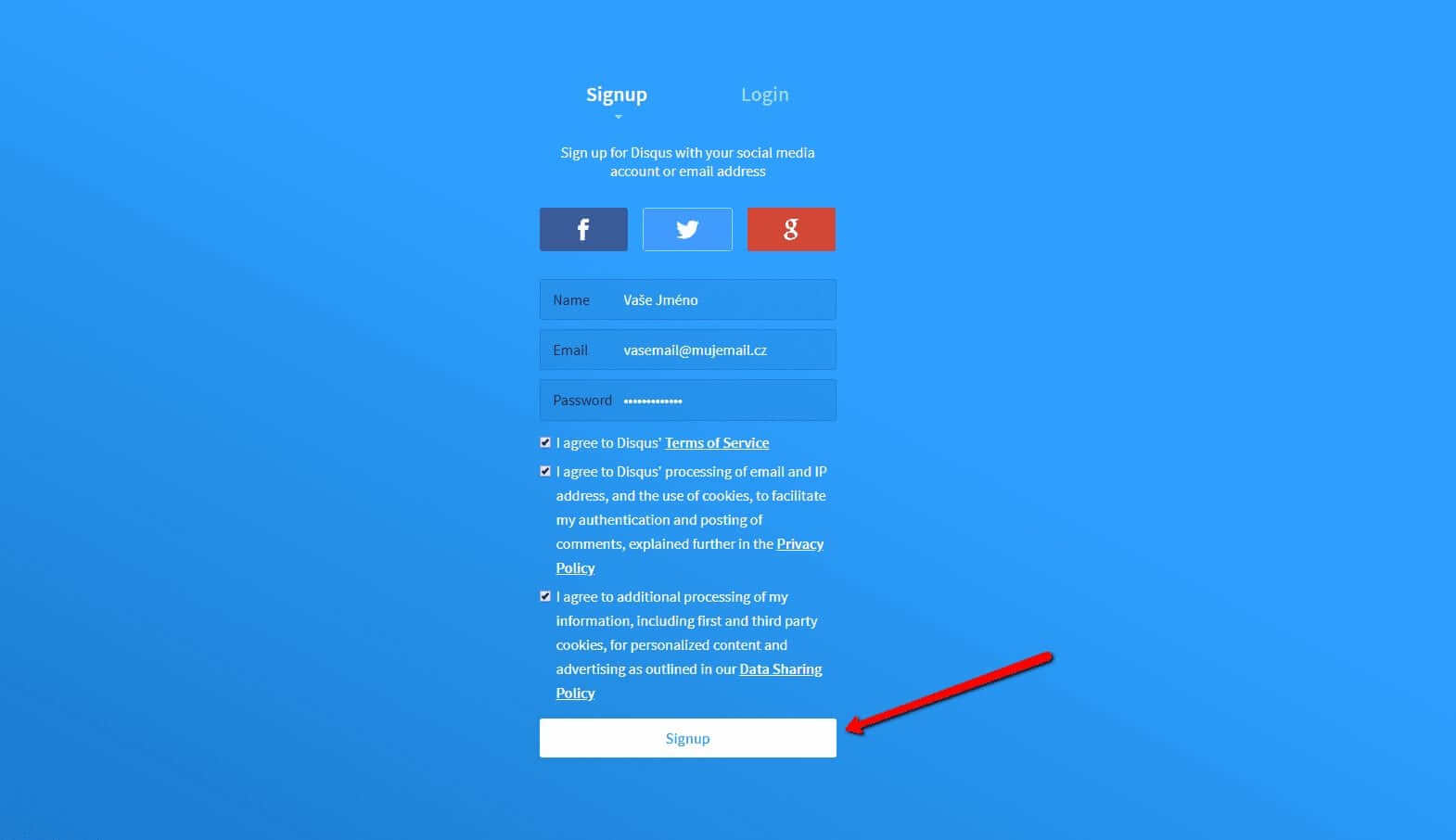
Sie können sich mit einem Konto in einem sozialen Netzwerk oder per E-Mail anmelden.

3. Wählen Sie die Option Disqus im Web installieren
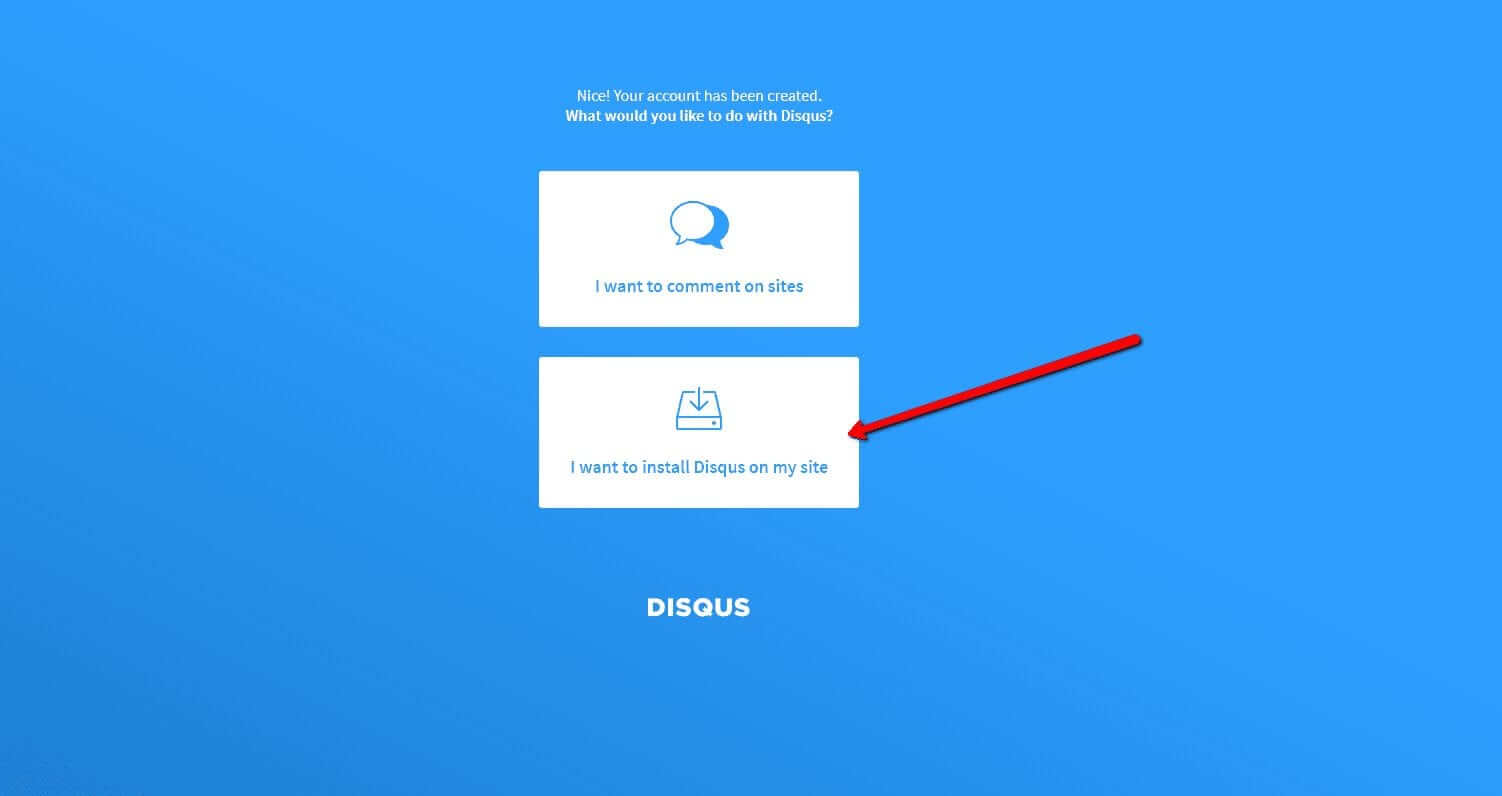
Jetzt müssen Sie nur noch den Zweck auswählen, für den Sie Disqus verwenden möchten.
Wählen Sie die zweite Option – “I want to install Disqus on my site“

4. Erstellen Sie die Seite
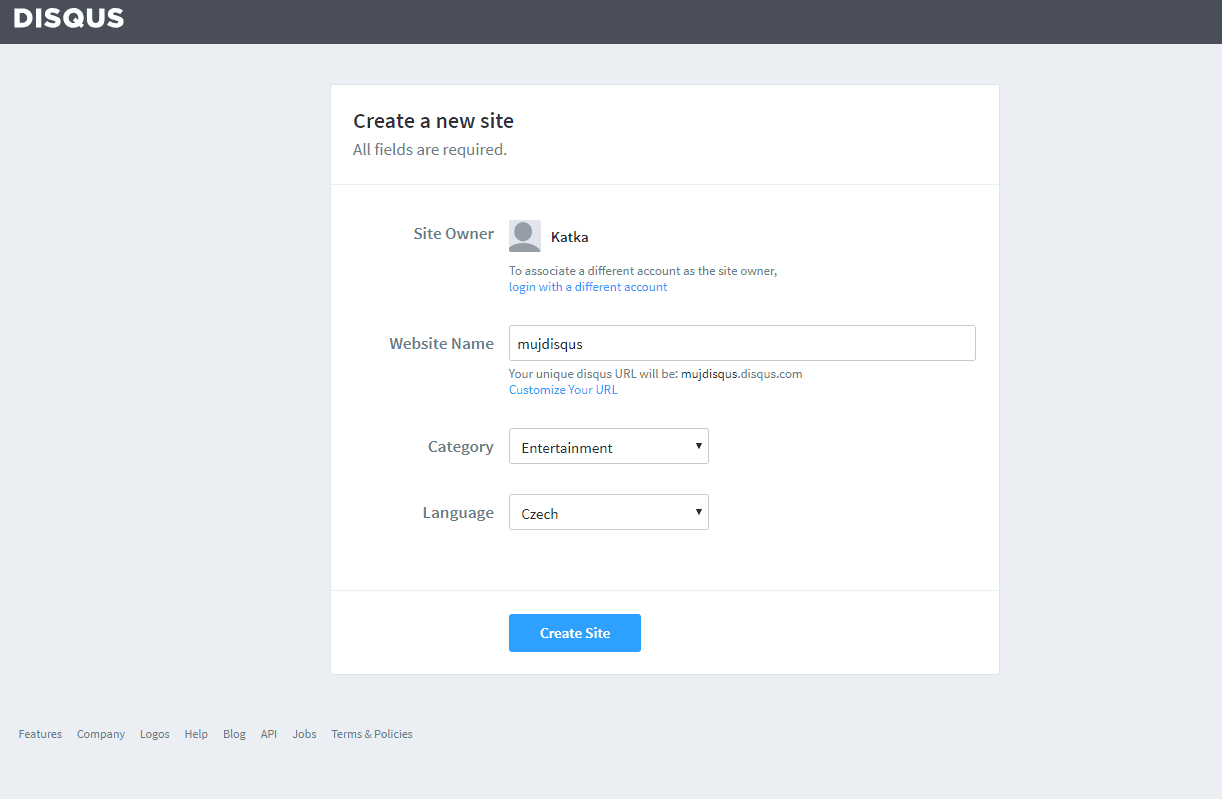
Geben Sie den Seitentitel, die Kategorie und die Sprache ein. Alle Felder sind erforderlich. Bestätigen Sie mit “Create Site“.

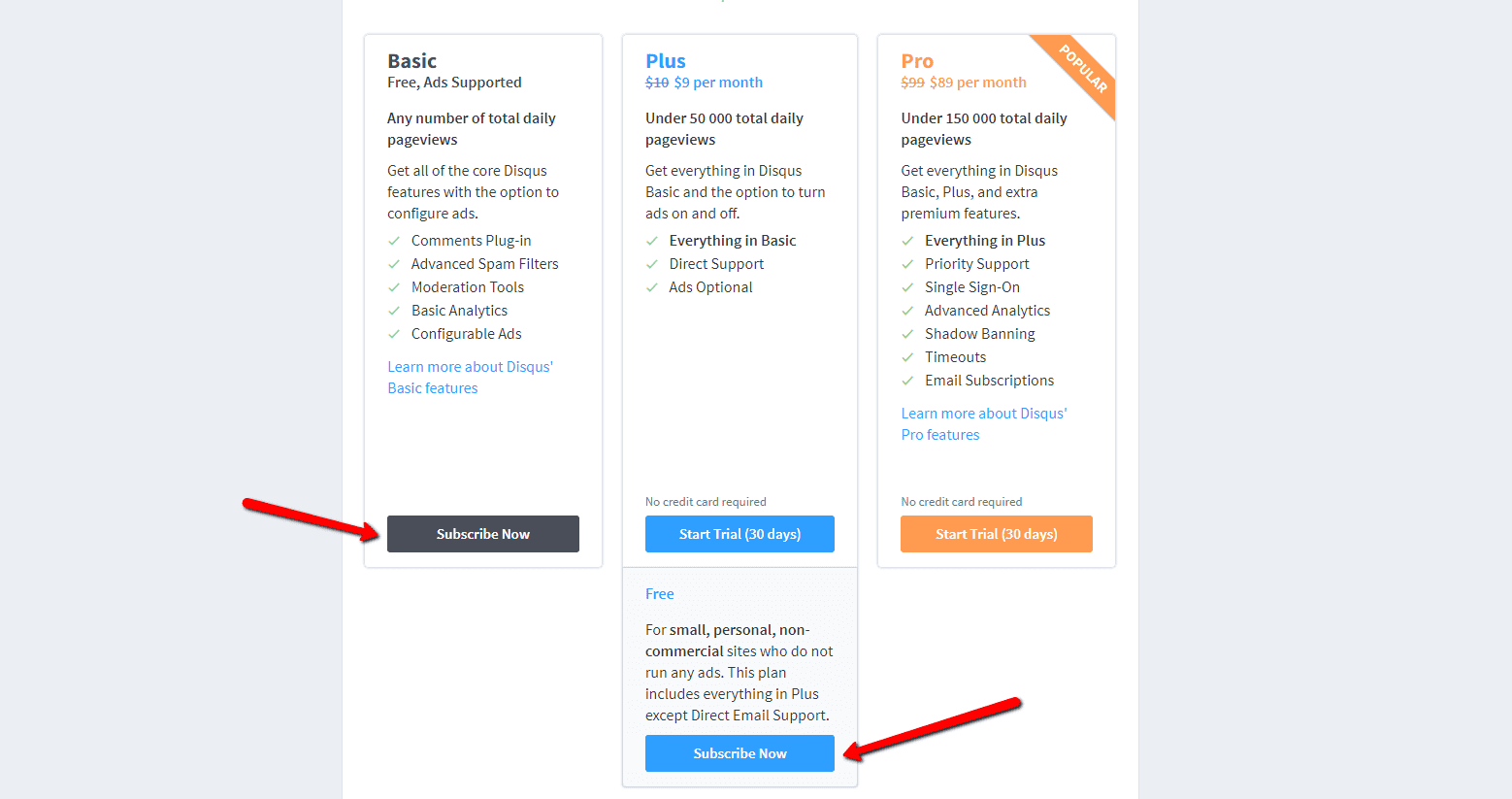
5. Wählen Sie einen Plan
Sie können zwischen kostenlosen Plänen (Basic, Free) und Premium-Plänen (Plus, Pro) wählen. Für den normalen Gebrauch sind kostenlose Pläne ausreichend.
Es ist aber Ihre Entscheidung.

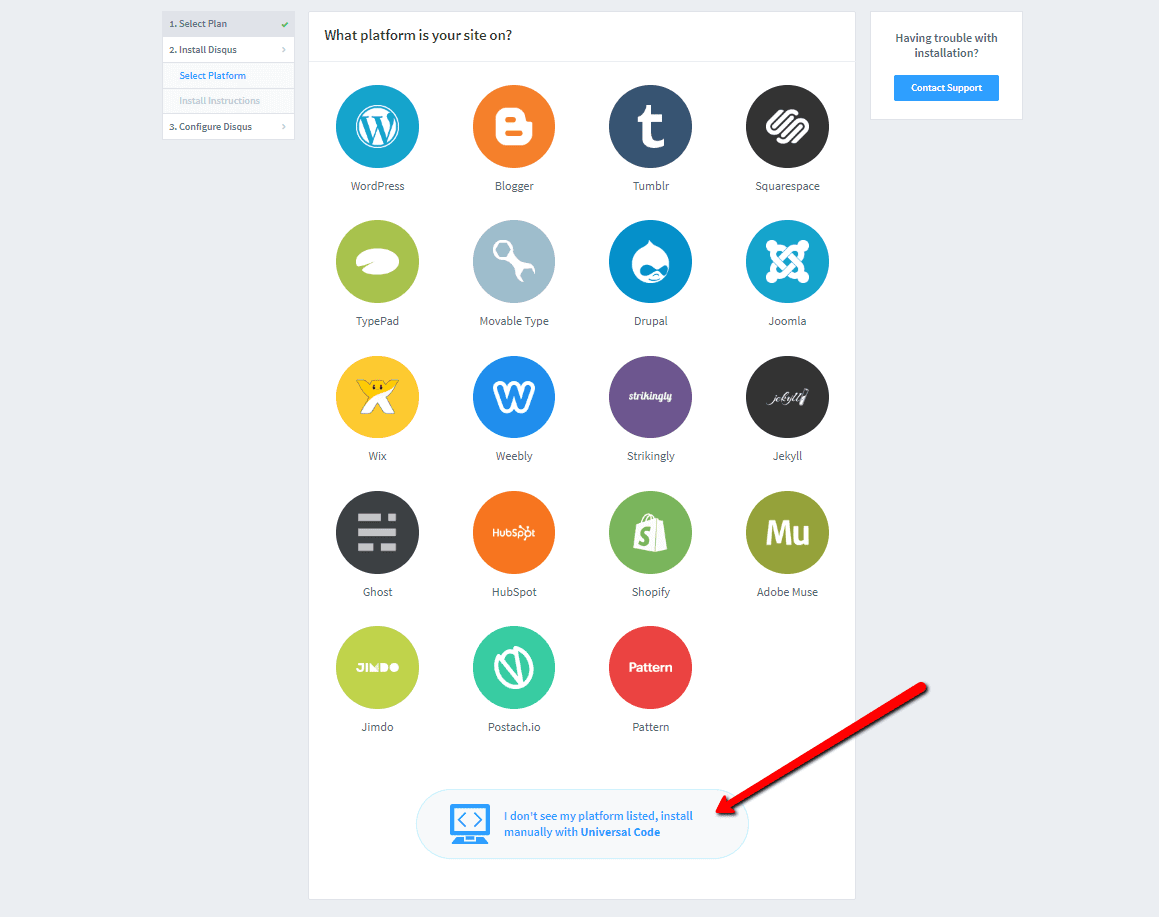
6. Wählen Sie die Webinstallationsoption
Wählen Sie für die Installation das manuelle Einfügen mit Universalcode (“Universal Code“).

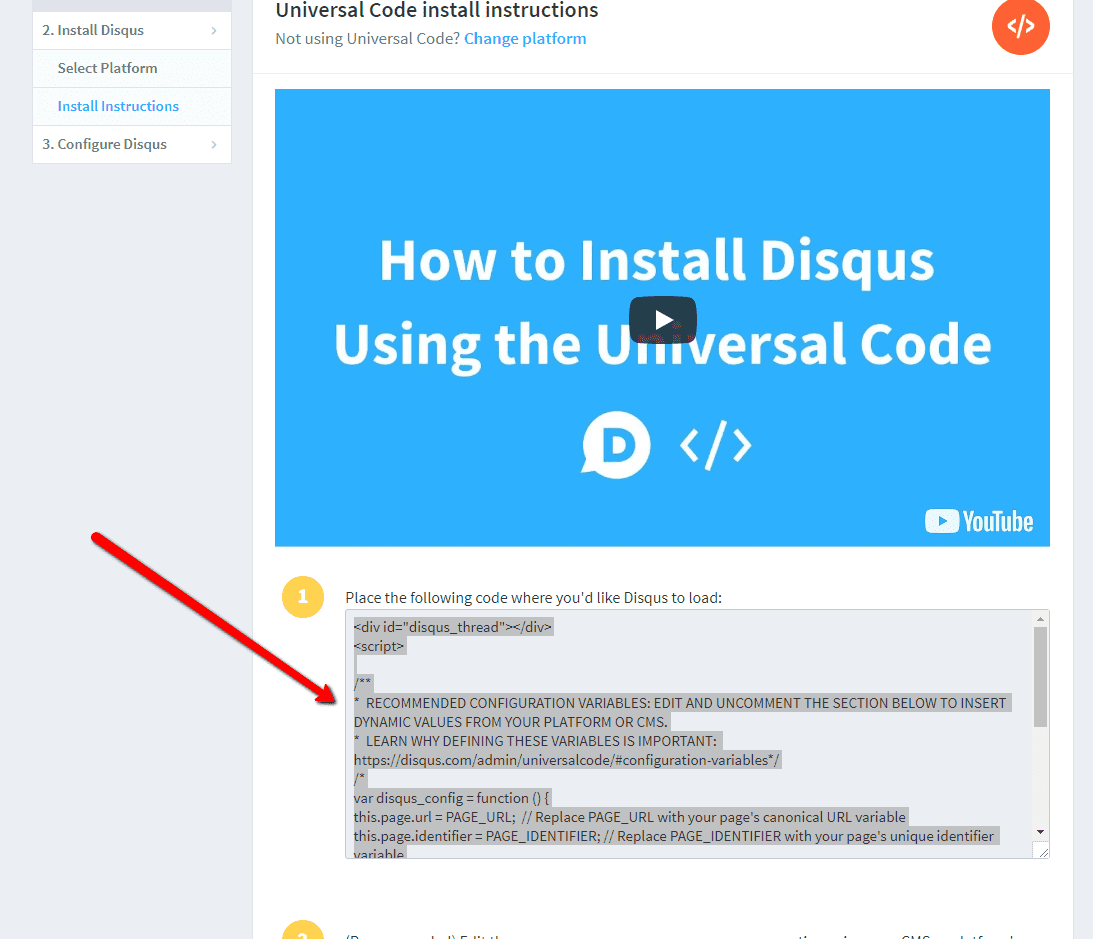
7. Kopieren Sie den Code
Wählen Sie den gesamten HTML-Code in Punkt 1 aus.
Kopieren Sie den Code.

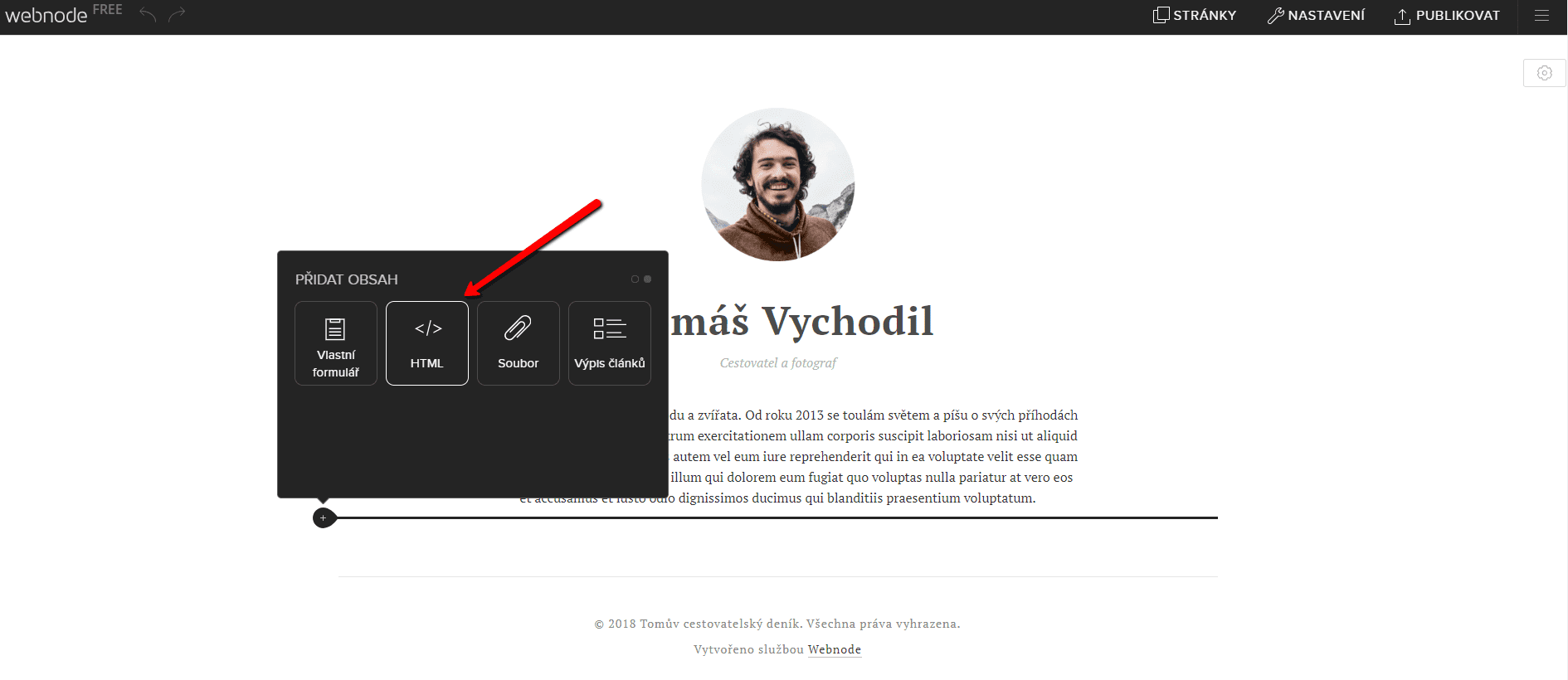
8. Fügen Sie den Code in die Website ein
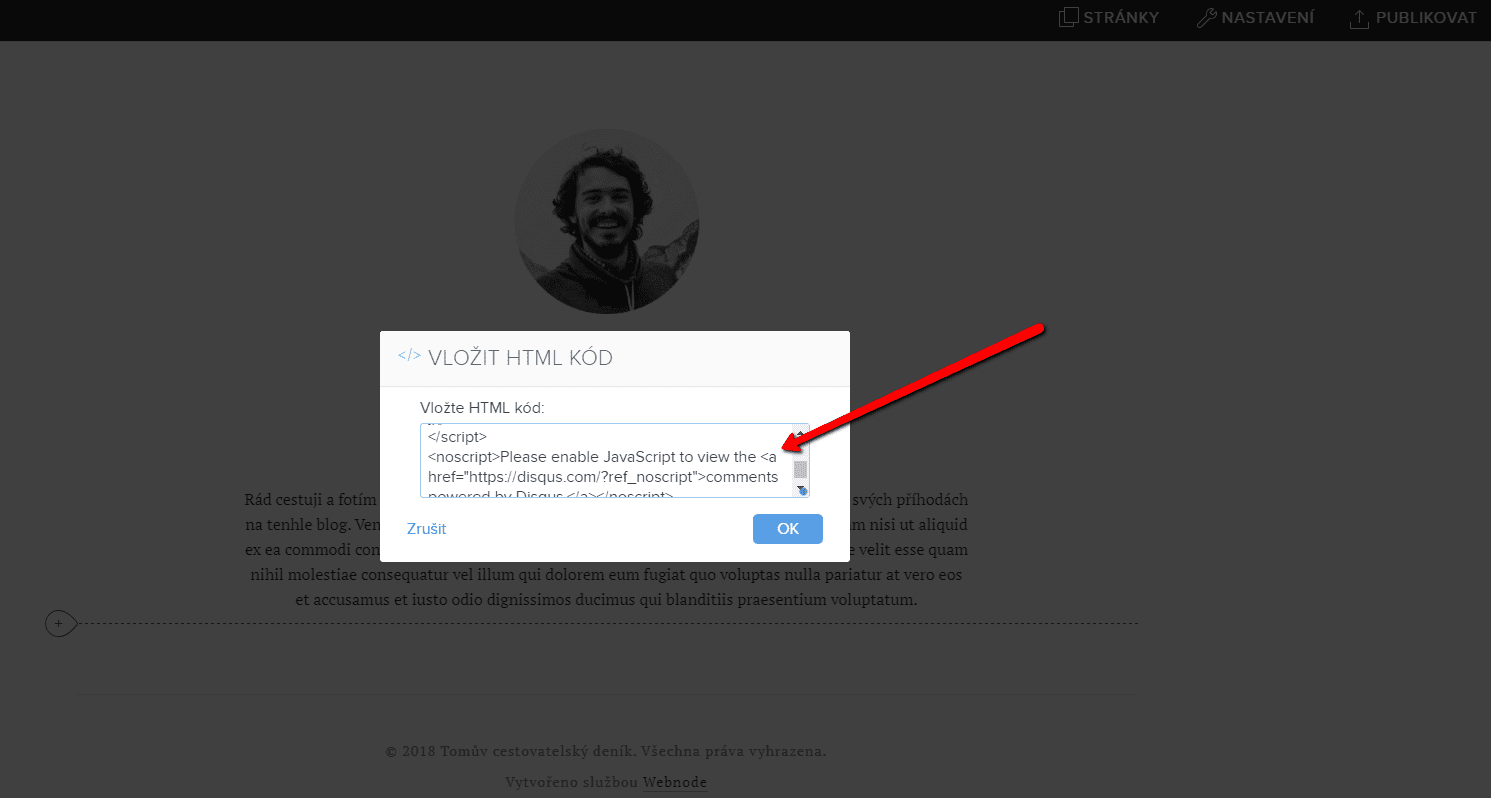
Gehen Sie im Projekt zu der Stelle, an der Sie das Forum einfügen möchten. Wählen Sie „Inhalt hinzufügen“ → HTML.
Fügen Sie den gesamten kopierten HTML-Code ein.
Vergessen Sie nicht die Änderung zu publizieren.


.
Und es ist geschafft. Sie können auf dieser Seite sehen, wie das resultierende Forum im Web aussieht:
Weitere tolle Tutorials


3 simple ways how to embed an online MP3 player on the web in Webnode
Are you looking for a simple way how to embed MP3 player on Webnode site? In this tutorial I will show you three easy ways (free of charge). 1. The first way is to use the function directly in the Webnode editor. Click "+" and "File". Mp3 will start in a...

How to add a custom search box to my website/e-shop in Webnode?
In the tutorial How to add a product searchbox in Webnode e-shop? I've shown a simple solution for adding your own search engine. Let's take a look at another search engine and your other options.Create your own search box using Google Custom Search Engine Find...

How to add an online reservation system to Webnode? It’s Free!
Do you need an powerful online booking reservation system? Works perfectly with Webnode.Whatever you do, Reservio is a great choice for organizing your time! 🙂 And what does the Reservio online booking system offer to you? a clear calendar where you can find...

How to connect own domain or subdomain with Webnode? Set DNS records easily
Do you want to change the URL of the "webnode" website to your own domain f.e "mydomain.com" or "e-shop.mydomain.com" ? Using your own domain is a feature included in the Premium plans: Limited, Mini, Standard, and Profi. After purchasing one of the Premium...

12 biggest free pictures stocks for commercial use. Pictures for free.
In this tutorial you will find links to 12 free photo services. All images are licensed under CC0 license. ✔ Images are for commercial use. If you've downloaded images through Google, it's wrong! When you are creating own website, I recommend you these 12 free sources...

How to change the URL address of a Webnode page, article or product?
Do you need to change the URL for a Webnode page? In this tutorial, I'll show you how to change the URL of a page, article, and product in Webnode. 1. Change the URL of the page. In the top editor bar, click on "Pages" - "Choose a page" - "SEO page setup". and...

How to change the color of a label when copying text?
Are you looking for a way to change the color of the label (mark) when copying? This color is preset in blue. In this tutorial, I'll show you how you can easily change the color and thus improve the look of your site. #Let's do it 🙂 1. Log in to editing the...

How to add Webnode website to Search engine Bing.com?
Looking for a way to add your website to Bing.com? Read more! In tutorial How to add a Webnode website to Google Search? I have shown how to link your site to Google. (automatic index) Now let's look at Bing.com. Bing.com is the second most used search engine and...

How to change the image for a shared Facebook link in Webnode?
You do not see the (preview) image when sharing a website in Facebook? If you share your website link on Facebook, it may happen that no picture appears or an image you do not want appears. In the following steps, you'll learn how to change the image for the shared...

