


Benötigen Sie ein eigenes Logo für Ihr Unternehmen oder Ihre Website?
1. Klicken Sie auf diesen Link, der Sie zur Logo Maker-Website weiterleitet.


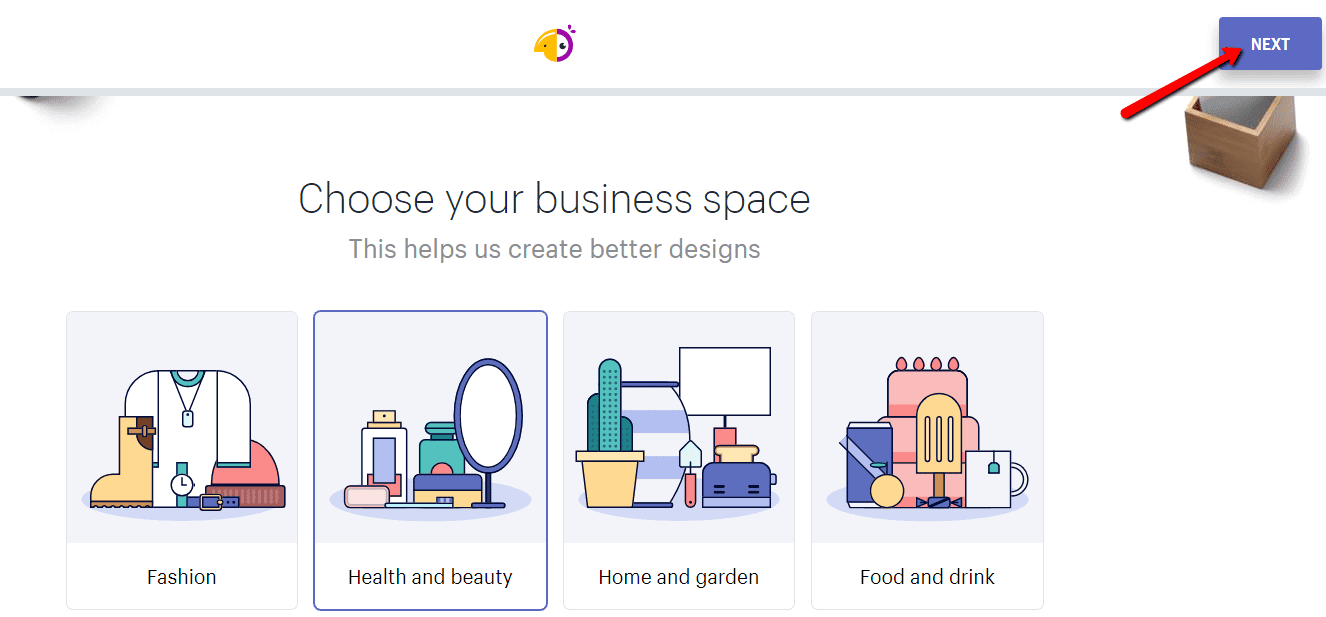
2. Wählen Sie den Bereich, zu dem Ihr Unternehmen gehört. Klicken Sie auf “NEXT“.

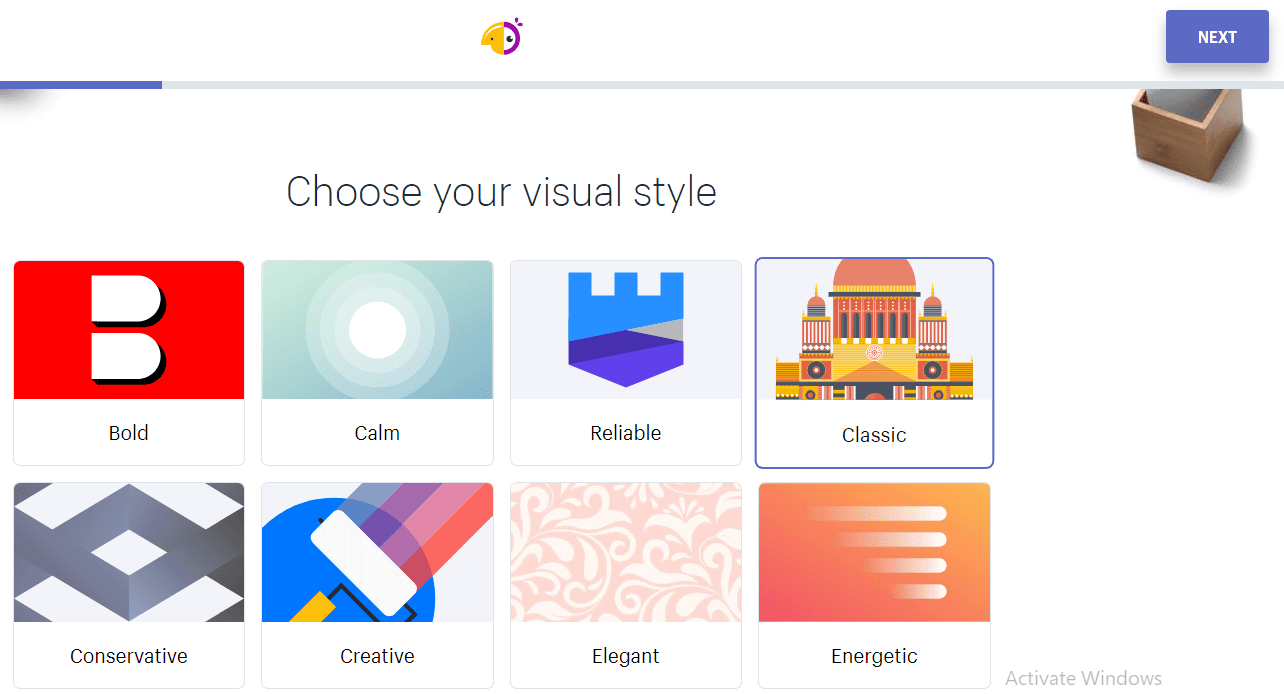
3. Wählen Sie den Stil Ihres neuen Logos. Klicken Sie auf “NEXT”.

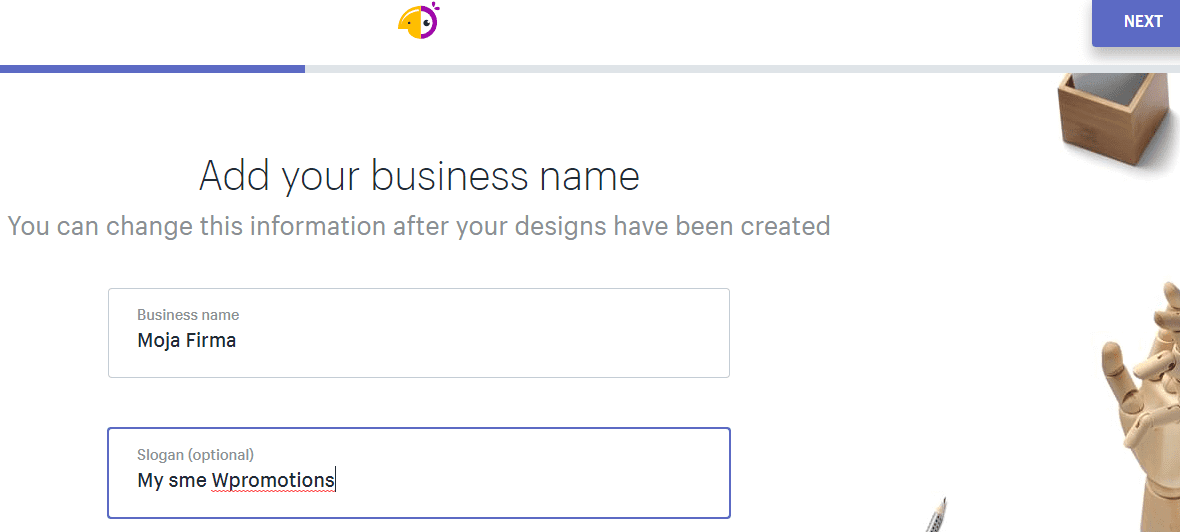
4. Geben Sie Ihren Firmennamen und Ihren Slogan ein.

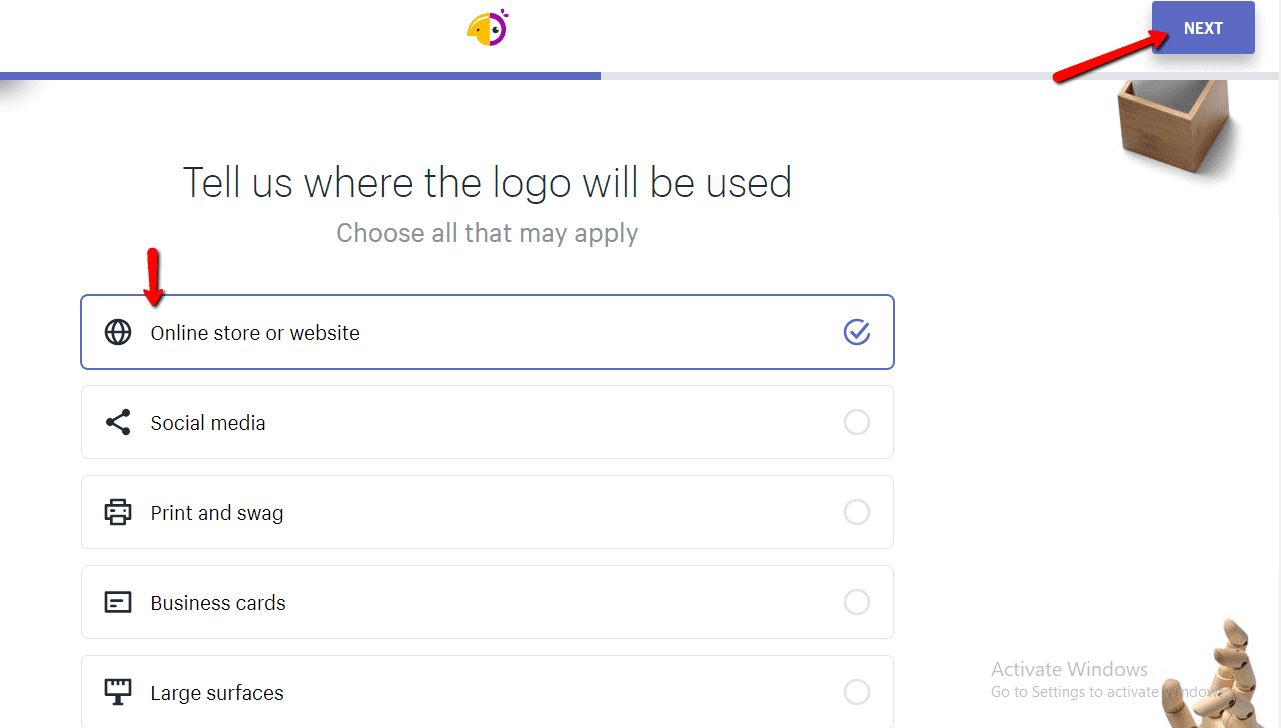
5. Wählen Sie den Zweck, für den Sie das Logo benötigen.

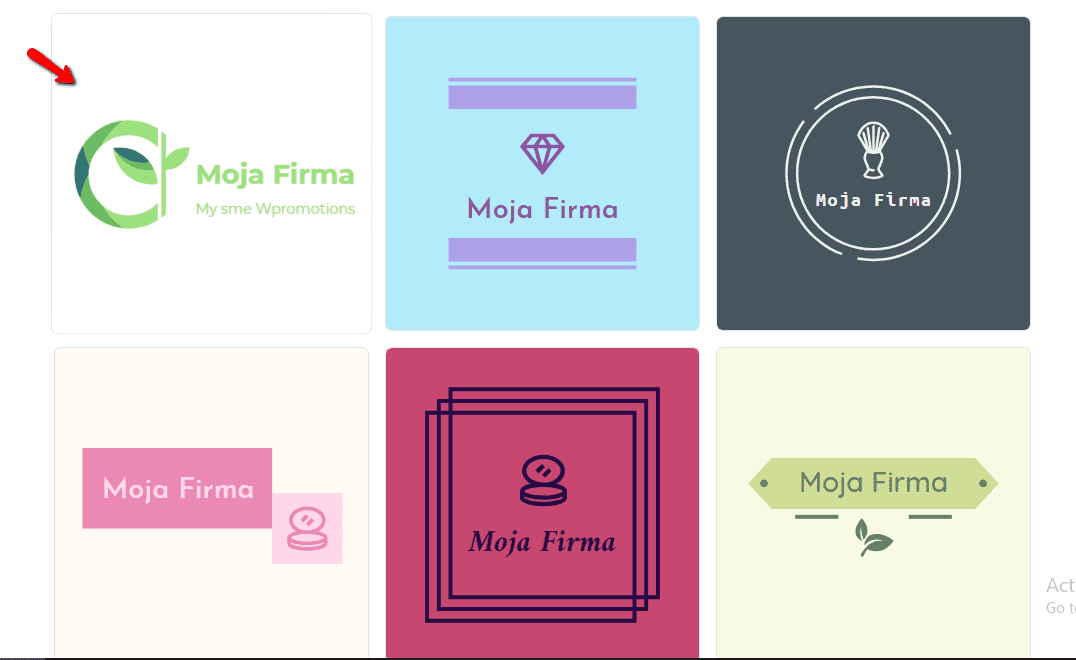
6. Wählen Sie ein LOGO aus dem Angebot aus.

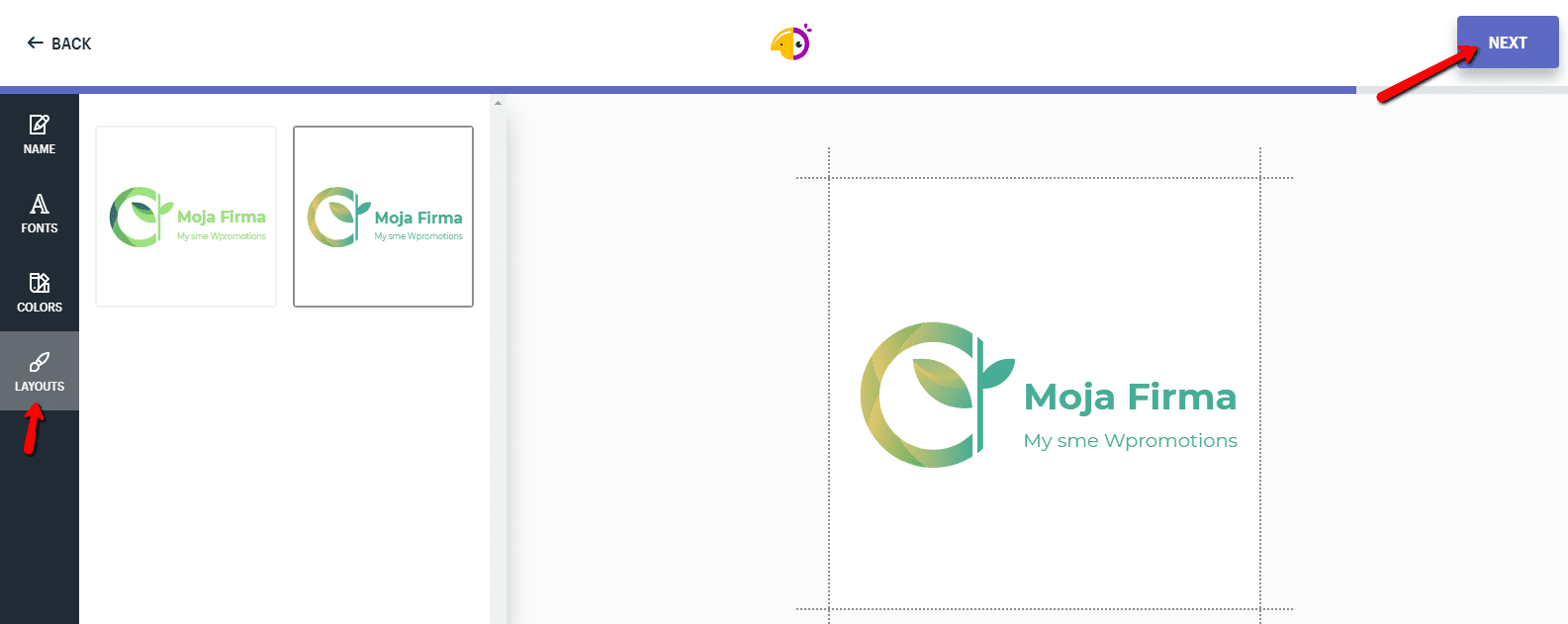
7. Passen Sie Ihr Logo an. Ändern Sie die Schriftart, Farbe oder das allgemeine Erscheinungsbild des Logos. Klicken Sie auf NEXT.

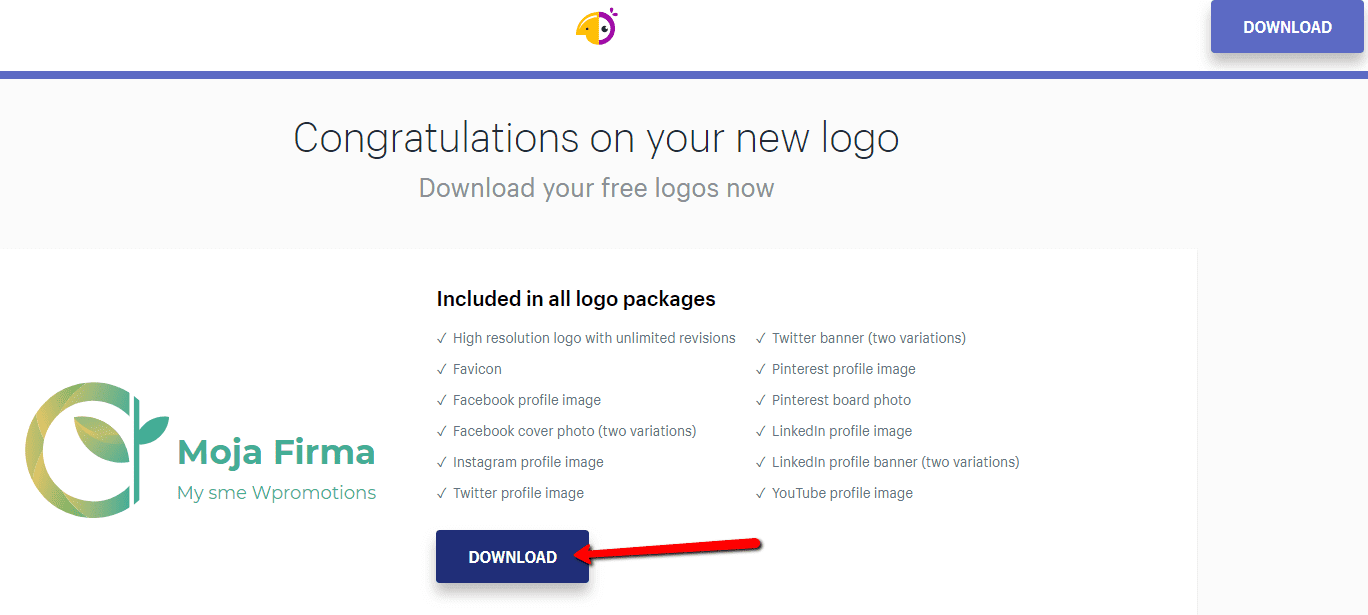
8.Um die Datei mit dem neuen Logo herunterzuladen, klicken Sie auf „Download“ und geben Sie Ihre E-Mail-Adresse ein.

Und Sie sind fertig 🙂 …
Sie erhalten per E-Mail einen Link zum Herunterladen der Datei, der verschiedene Formate enthält, z. B. ein transparentes Logo …
Liste aller Logo-Formate, die Sie kostenlos erhalten:
- High resolution logo with unlimited revisions
- Favicon
- Facebook profile image
- Facebook cover photo (two variations)
- Instagram profile image
- Twitter profile image
- Twitter banner (two variations)
- Pinterest profile image
- Pinterest board photo
- LinkedIn profile image
- LinkedIn profile banner (two variations)
- YouTube profile image
Weitere tolle Tutorials


Hogyan lehet megváltoztatni egy Webnode oldal, cikk vagy termék URL-címét?
Szeretnéd megváltoztatni egy oldal URL-jét a Webnode-ban? Ebben az oktatóanyagban megmutatom, hogyan módosíthatod egy oldal, cikk vagy termék URL-címét a Webnode-ban. 1. Módosítsd az oldal URL-jét. A felső sávban kattints az „Oldalak”menüre – „Oldal...

¿Cómo agregar un cuenta atrás en Webnode?
Cómo agregar fácilmente una cuenta atrás a una web de Webnode ¿Necesitas añadir una cuenta atrás en tu web? Por ejemplo, ¿planeas tu boda y quieres contar cuántos días debes faltan para la boda? No hay problema, sólo tienes que seguir estas instrucciones: 1....

¿Cómo añadir un cuadro de comentarios en una web de Webnode? (DISQUS)
YouTube Video Tutorial (english subtitles)Cómo crear fácilmente un foro usando – disqus.com En este tutorial, aprenderás cómo colocar cuadro de comentarios en tu web de Webnode para que tus visitantes puedan comentar. Utilizaremos una aplicación externa–...
¿Cómo añadir un botón para “Ir arriba” a la web en Webnode?
Videotutorial¿Deseas añadir un botón para “Ir arriba” en tu web? En el tutorial "¿Cómo crear enlaces en Webnode? Click&Scroll" he mostrado cómo redirigir (desplazar) a un lugar específico en la web. Un enlace también se puede usar como un botón de “Ir...

¿Cómo añadir imágenes GIF en Webnode?
¿Le gustaría incorporar una imagen GIF en un sitio Webnode? Webnode editor does not allow .gif format when you embed them as an image. For this reason, you must first upload the desired .GIF image to an external service to get the image URL. Paste the URL into the...

¿Cómo añadir una tabla responsiva a una web de Webnode?
¿Necesitas añadir una tabla a tu web de Webnode? El editor de Webnode carece de esta función, en cambio, puedes crear una tabla utilizando una aplicación externa, tablesgenerator.com. Instrucciones para crear e insertar una hoja de cálculo para páginas...

Lisäpaanelin lisääminen WEBNODE-verkkosivustolle (yhteystiedot ja sosiaaliset kuvakkeet)
Voit helposti lisätä yläpalkin yhteystiedoilla, sosiaalisten verkostojen kuvakkeilla tai valuutan vaihtuminen (verkkokaupassa) tai verkkosivuston kielenvaihtajan (liput).Webnode Ilmaiset -uutisissamme puhuin UUDEN Premium Business-paketin 5 uudesta ominaisuudesta ja 6...

Hogyan adhatod hozzá a Webnode weboldalt a Bing.com keresőmotorhoz?
Szeretnéd megtudni, hogyan add hozzá weboldaladat a Bing.com-hoz? Olvass tovább! A Hogyan adhatod hozzá a Webnode weboldalad a Google Keresőhöz?” oktatóanyagban megmutattam, hogyan kapcsolhatod össze weboldaladat a Google-lal (automatikus indexelés) Most nézzük meg a...

5 uutta mahtavaa ominaisuutta UUDEN verkkokaupan Premium Business-paketin-palvelusta WEBNODEssa
WEBNODE-KATSAUS VERKKOKAUPAN BUSINESS PAKETISTA WEBNODE:ssa Miksi uutta Webnode Business Premium -pakettia pitäisi KOKEILE NYT?Katsotaanpa erittäin suosittua verkkokauppasivustojen rakentajaa WEBNODEa ja sen uutta Premium-pakettia. Uusi Premium Business...

