


Webnode Discount Code 2026: Get an Extra 15% Off Premium Plans
Are you already using Webnode, or are you just thinking about creating your website? We have an up-to-date Webnode discount code that gives you 15% off selected Premium plans.
This limited-time offer is valid until January 31, 2026, making it a perfect opportunity to start the new year with a better, more professional website.
We have been writing about Webnode since 2016, and this is the very first time in history that Webnode has offered such a generous discount (via a Webnode discount code)!
With this code, you get:
- 15% off the Premium plan (new activation or renewal of an existing plan)
- Discount valid from December 10, 2025 to January 31, 2026
- Supported plans: Mini, Standard, Profi, Business
Where the Discount Applies
The discount code can be used for websites registered in the following regions:
- Europe
- North America
- Japan
- Taiwan
How to Use the Webnode Discount Code
- Log in to your Webnode account.
- Select the website where you want to activate the Premium plan.
- Go to the Premium Plans section.
- Choose the Mini, Standard, Profi, or Business plan.
- Enter the discount code TBH3-77XA during checkout and click Activate.
- Confirm your order and the discount will be applied automatically.
Why Webnode Premium Is Worth It
- Custom domain with no Webnode ads
- More storage space for content and images
- Advanced features for business and projects
- A professional-looking website
Discount Summary
Discount: additional -15%
Valid until: January 31, 2026
Plans: Mini, Standard, Profi, Business
Regions: Europe, North America, Japan, Taiwan
Discount code: TBH3-77XA
Take advantage of this limited-time offer and get your Webnode Premium plan at a lower price. Don’t wait — this promotion may not be available again.
More awesome tutorials

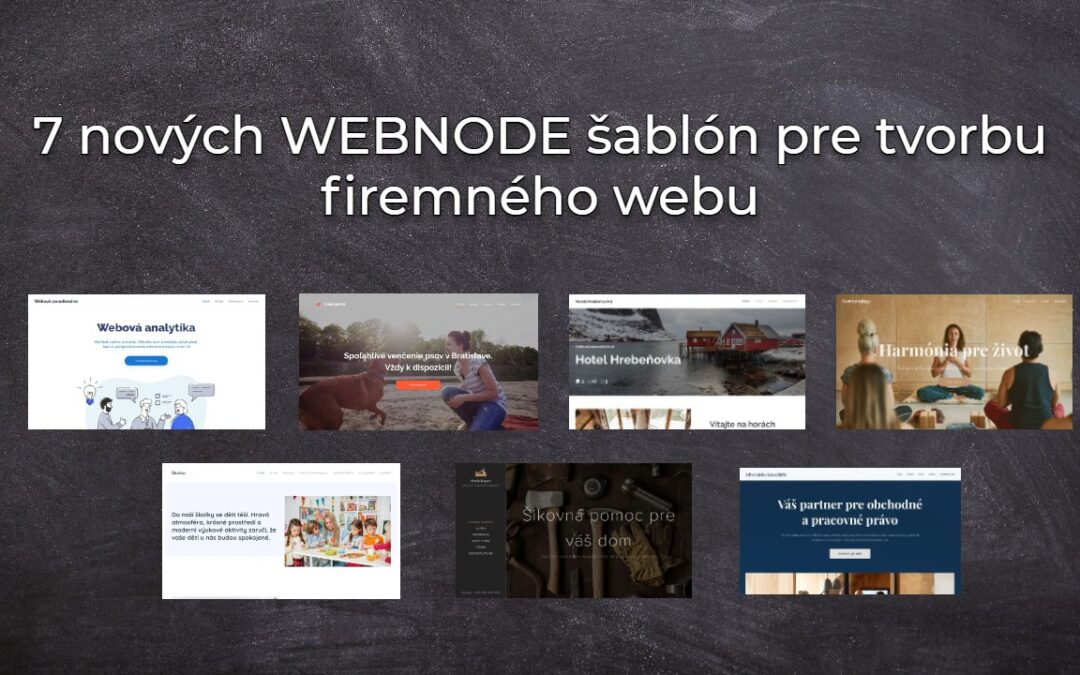
7 nových WEBNODE šablón pre tvorbu firemného webu
Videli ste už 7 nových Webnode šablón pre tvorbu firemného webu v roku 2023 ?V našich Webnode Free Novinkách sme si už o Webnode editore povedali pár zaujímavostí. Už ste čítali článok o 5 nových funkciách NOVÉHO Prémiového balíčku Business alebo 6 najlepších WEBNODE...
Hogyan hozd létre saját céges logódat? Ingyenes
Szeretnél saját céges logót létrehozni? Csupán néhány perc alatt létrehozhatod saját, vadonatúj logódat ezzel az ingyenes szolgáltatással. Jó szívvel ajánlom! Ingyenes.1. Kattints az alábbi linkre, amely átirányít ennek a fantasztikus szolgáltatásnak a...
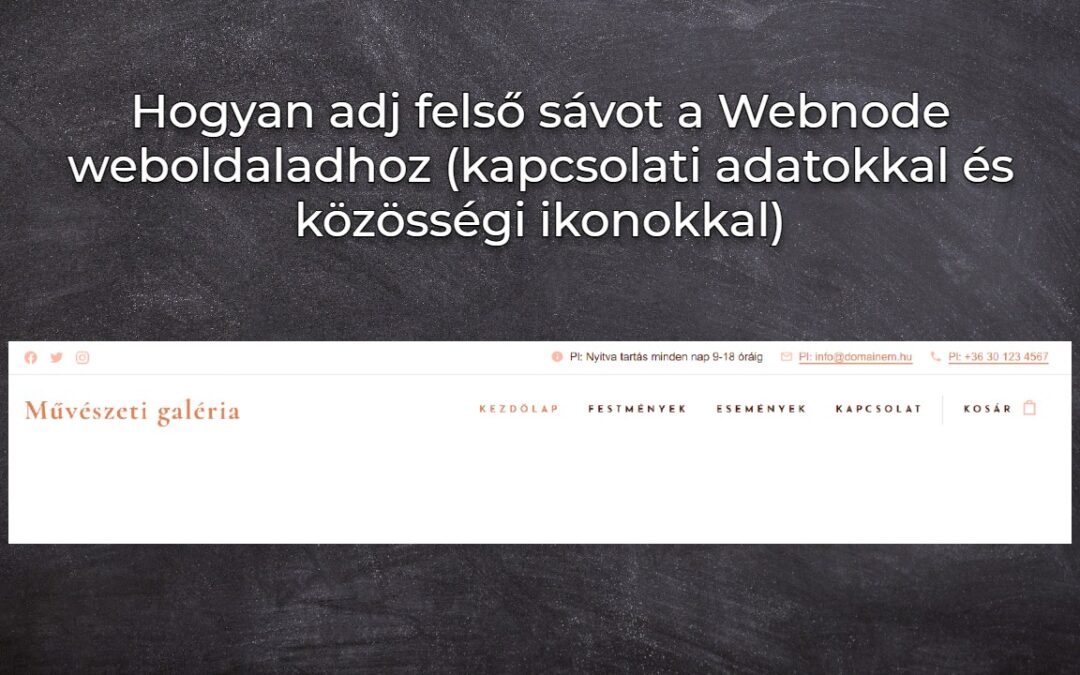
Hogyan adj felső sávot a Webnode weboldaladhoz (kapcsolati adatokkal és közösségi ikonokkal)
Könnyedén hozzáadhatod a felső sávhoz az elérhetőségeidet, közösségi media ikonokat, egy valutaváltót (a webáruházban) vagy egy nyelvváltót (zászlókat)Az Ingyenes Webnode hírekben beszámoltam az ÚJ Business prémium csomag 5 új funkciójáról és a 6 legjobb WEBNODE...
5 új fantasztikus funkció a WEBNODE új e-kereskedelmi csomagjában
WEBNODE VÉLEMÉNYEK AZ ÚJ BUSINESS CSOMAGRÓL A WEBNODE-BANMiért is érdemes kipróbálnod MOST AZONNAL az új Webnode Business Prémium csomagot?Vessünk egy pillantást a szuper-népszerű e-kereskedelmi webszerkesztőre, a WEBNODE-ra és az új Prémium csomagjára.- WEBNODE....
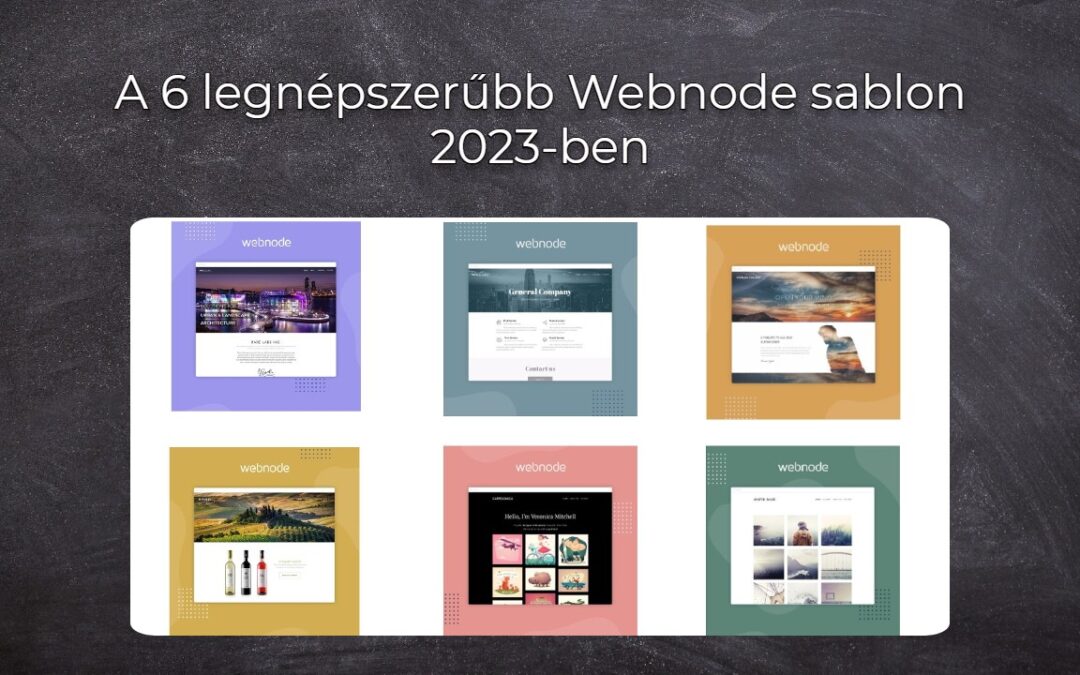
A 6 legnépszerűbb Webnode sablon 2023-ben
A 6 legnépszerűbb sablon weboldal készítéséhez a Webnode webszerkesztőbenAz ingyenes Webnode hírekben már említettünk néhány érdekességet a Webnode szerkesztőjéről. Olvastad már az ÚJ Business csomag 5 új funkciójáról szóló cikkünket? Tudtad, hogy a Webnode...
Hogyan illesszünk be a Spotify-ról előadót/albumot a Webnode-ba?
A „3 egyszerű mód online MP3 lejátszó beillesztésére a Webnode-os weboldaladra” útmutatóban megmutattam, hogyan ágyazhatsz be egyszerűen egy zenelejátszót a Webnode weboldaladra. Nézzük meg együtt a többi lehetőséget is.Szereted a Spotify-t?Egyszerűen illeszd be...
Hur väljer man sitt egna typsnitt i Webnode med hjälp av Google Typsnitt?
VideotutorialVill du ändra typsnittet i Webnode till något av Googles egna alternativ Fonts? Några inledande ord Webnode tillåter dig att ändra typsnittet på din webbplats via "Inställningar" - "Design" - "Hemsidans typsnitt". Naturligtvis erbjuder Webnode de...
Hur lägger man till en spellista eller ett album från Spotify på en Webnode-hemsida?
I guiden "3 enkla sätt att bädda in en MP3-spelare på din hemsida hos Webnode", visade jag ett mycket enkelt sätt att lägga till in en musikspelare på en hemsida från Webnode. Låt oss ta en titt på det andra alternativet tillsammans.Gillar du Spotify?Bädda då helt...
Hur man döljer kategorin “alla produkter” från en produktlist hos Webnode
Hur döljer man kategorin "Alla produkter" i en produktlista hos Webnode? I guiden Hur döljer man kundvagnen i en Webnode e-shop? och Hur man döljer (tar bort) publiceringsdatum i ett blogginlägg hos Webnodes visar jag hur lätt det är att "gömma" något i Webnode....

