


Webnode Discount Code 2026: Get an Extra 15% Off Premium Plans
Are you already using Webnode, or are you just thinking about creating your website? We have an up-to-date Webnode discount code that gives you 15% off selected Premium plans.
This limited-time offer is valid until January 31, 2026, making it a perfect opportunity to start the new year with a better, more professional website.
We have been writing about Webnode since 2016, and this is the very first time in history that Webnode has offered such a generous discount (via a Webnode discount code)!
With this code, you get:
- 15% off the Premium plan (new activation or renewal of an existing plan)
- Discount valid from December 10, 2025 to January 31, 2026
- Supported plans: Mini, Standard, Profi, Business
Where the Discount Applies
The discount code can be used for websites registered in the following regions:
- Europe
- North America
- Japan
- Taiwan
How to Use the Webnode Discount Code
- Log in to your Webnode account.
- Select the website where you want to activate the Premium plan.
- Go to the Premium Plans section.
- Choose the Mini, Standard, Profi, or Business plan.
- Enter the discount code TBH3-77XA during checkout and click Activate.
- Confirm your order and the discount will be applied automatically.
Why Webnode Premium Is Worth It
- Custom domain with no Webnode ads
- More storage space for content and images
- Advanced features for business and projects
- A professional-looking website
Discount Summary
Discount: additional -15%
Valid until: January 31, 2026
Plans: Mini, Standard, Profi, Business
Regions: Europe, North America, Japan, Taiwan
Discount code: TBH3-77XA
Take advantage of this limited-time offer and get your Webnode Premium plan at a lower price. Don’t wait — this promotion may not be available again.
More awesome tutorials


Cómo añadir una animación de lápiz (que escribe y borra) a una página web o tienda online en WEBNODE
¿Quieres atraer a más público? ¿Te gustaría mejorar tu web? He creado un código que te permitirá mostrar una animación de un lápiz escribiendo en tu sitio web o tienda online en WEBNODE. ¡Puedes poner tu propio texto en el código para que el lápiz escriba...
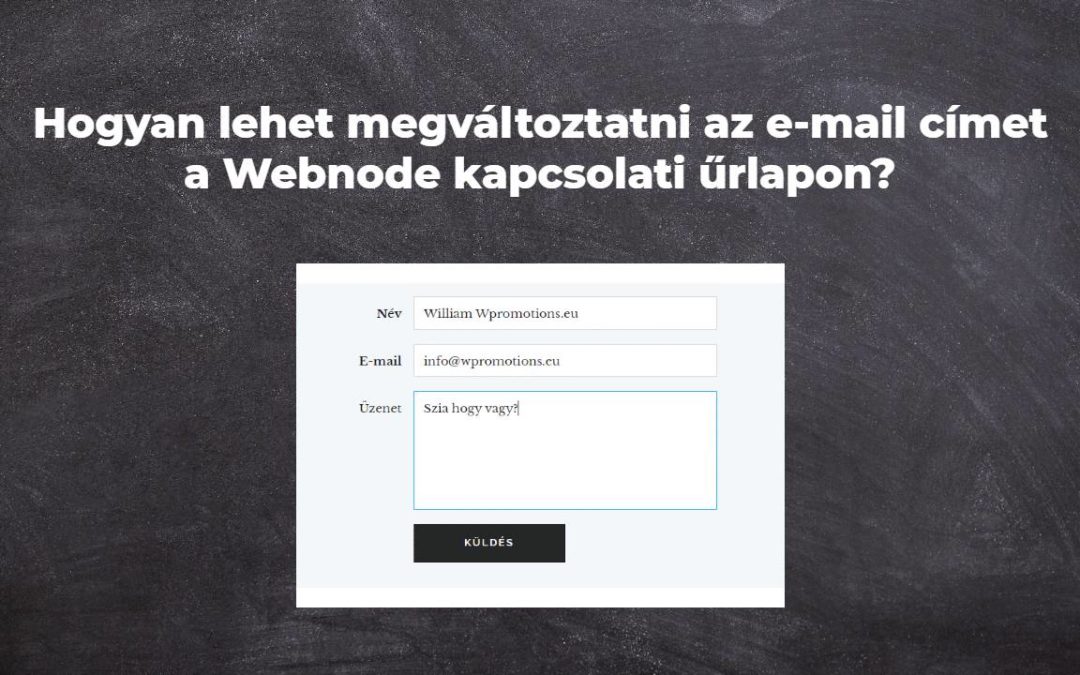
Hogyan lehet megváltoztatni az e-mail címet a Webnode kapcsolati űrlapon?
Szeretnéd lecserélni az e-mail címet a kapcsolati űrlapon? (Webnode) A Webnode kapcsolati űrlapon lévő e-mail-cím alapvetően arra az e-mail-címre van beállítva, amelyet a Webnode-ba való bejelentkezéshez használsz (tulajdonosi e-mail cím). Ha módosítani...
Hogyan lehet megváltoztatni a címke színét szöveg másolásakor?
A címke (jel) színének megváltoztatására keresel módot másoláskor? Ez a szín automatikusan kék. Ebben az oktatóanyagban megmutatom, hogyan változtathatod meg egyszerűen a színét, és javíthatod webhelyed kinézetét. #Csináljuk 1. Jelentkezz be a...
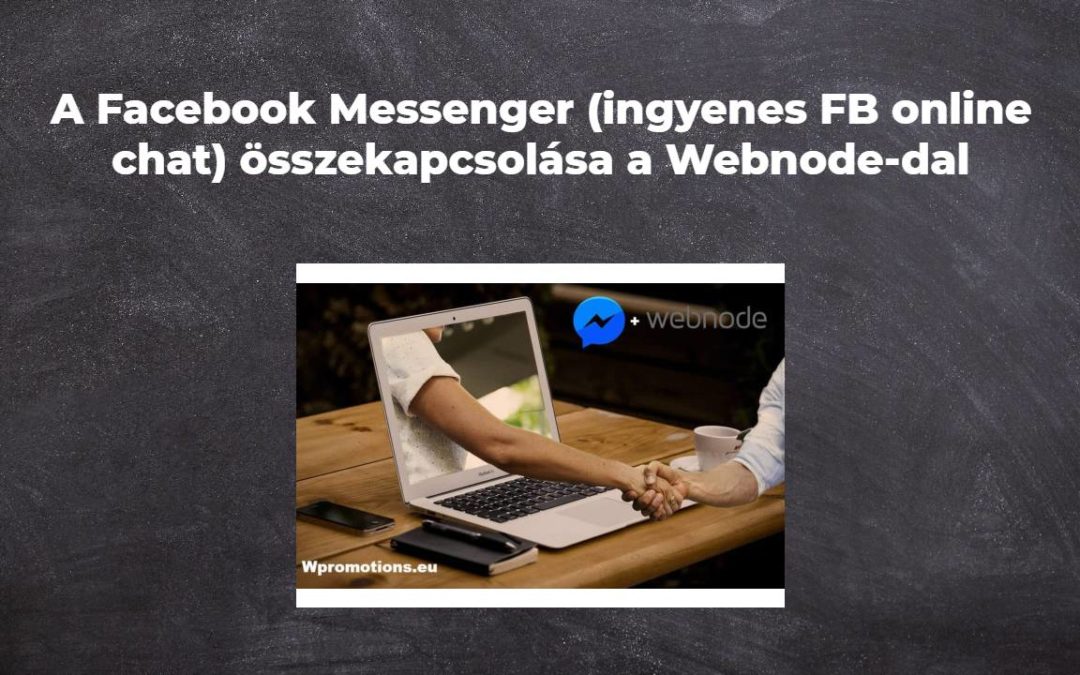
A Facebook Messenger (ingyenes FB online chat) összekapcsolása a Webnode-dal
Szeretnéd összekapcsolni a Facebook Messenger szolgáltatást a Webnode webhelyeddel, és ingyenes online chat modulhoz szeretnél jutni? Egyszerű oktatóanyag – Webnode a Facebook Messengerrel A Facebook Messenger nagyszerű választás a webhely látogatóival való...

Hoe maak je GRATIS een eenvoudige visitekaartjes website
Maak je eerste visitekaartjes website met WebnodeWat is een visitekaartjes website? Een visitekaartjes website is een eenvoudige website die kort en duidelijk je diensten of producten voorstelt. Het is een eenvoudige website die gebruikt wordt om basisinformatie over...
Remarketing (retargeting) kód hozzáadása a Webnode weboldaladhoz
Hogyan állítsunk be remarketinget a Webnode-on? és Hová kell beilleszteni a remarketing kódot? Az Hogyan adhatunk hozzá konverziós kódot a Webnode-ban? oktatóanyagban egy egyszerű módot mutattam a konverziókövetési konverziós kód beillesztésére....
¿Cómo añadir iconos de las redes sociales (FB e Instagram) en la parte superior de tu web de Webnode?
¿Estás buscando una manera de insertar los iconos sociales en el sitio web de Webnode? (en la parte superior de tu web) En tutoriales ¿Cómo enlazar fácilmente mi Facebook a mi web en Webnode? y ¿Cómo enlazar tu Instagram con tu web en Webnode? He mostrado cómo...
Hogyan lehet megváltoztatni egy megosztott Facebook-hivatkozáshoz tartozó képet a Webnode-ban?
Nem látod az (előnézeti) képet, amikor megosztod a webhelyed linkjét a Facebookon? Amikor megosztod weboldalad linkjét a Facebookon, akkor előfordulhat, hogy nem jelenik meg kép, vagy nem az a kép, amelyet szeretnél. A következő lépésekben megtudhatod, hogyan...
Hogyan csatlakoztathatom a Google Naptárt a Webnode-ban lévő webhelyemhez?
Google Naptár – nagy segítség az időpont szervezésében A Google Calendar egy webes alkalmazás az időpont szervezésére. Ebben az oktatóanyagban megtudjuk, hogyan lehet beilleszteni a Google Naptárt egy Webnode weboldalra. 1. Első lépésként hozz létre egy...

