


Webnode Discount Code 2026: Get an Extra 15% Off Premium Plans
Are you already using Webnode, or are you just thinking about creating your website? We have an up-to-date Webnode discount code that gives you 15% off selected Premium plans.
This limited-time offer is valid until January 31, 2026, making it a perfect opportunity to start the new year with a better, more professional website.
We have been writing about Webnode since 2016, and this is the very first time in history that Webnode has offered such a generous discount (via a Webnode discount code)!
With this code, you get:
- 15% off the Premium plan (new activation or renewal of an existing plan)
- Discount valid from December 10, 2025 to January 31, 2026
- Supported plans: Mini, Standard, Profi, Business
Where the Discount Applies
The discount code can be used for websites registered in the following regions:
- Europe
- North America
- Japan
- Taiwan
How to Use the Webnode Discount Code
- Log in to your Webnode account.
- Select the website where you want to activate the Premium plan.
- Go to the Premium Plans section.
- Choose the Mini, Standard, Profi, or Business plan.
- Enter the discount code TBH3-77XA during checkout and click Activate.
- Confirm your order and the discount will be applied automatically.
Why Webnode Premium Is Worth It
- Custom domain with no Webnode ads
- More storage space for content and images
- Advanced features for business and projects
- A professional-looking website
Discount Summary
Discount: additional -15%
Valid until: January 31, 2026
Plans: Mini, Standard, Profi, Business
Regions: Europe, North America, Japan, Taiwan
Discount code: TBH3-77XA
Take advantage of this limited-time offer and get your Webnode Premium plan at a lower price. Don’t wait — this promotion may not be available again.
More awesome tutorials

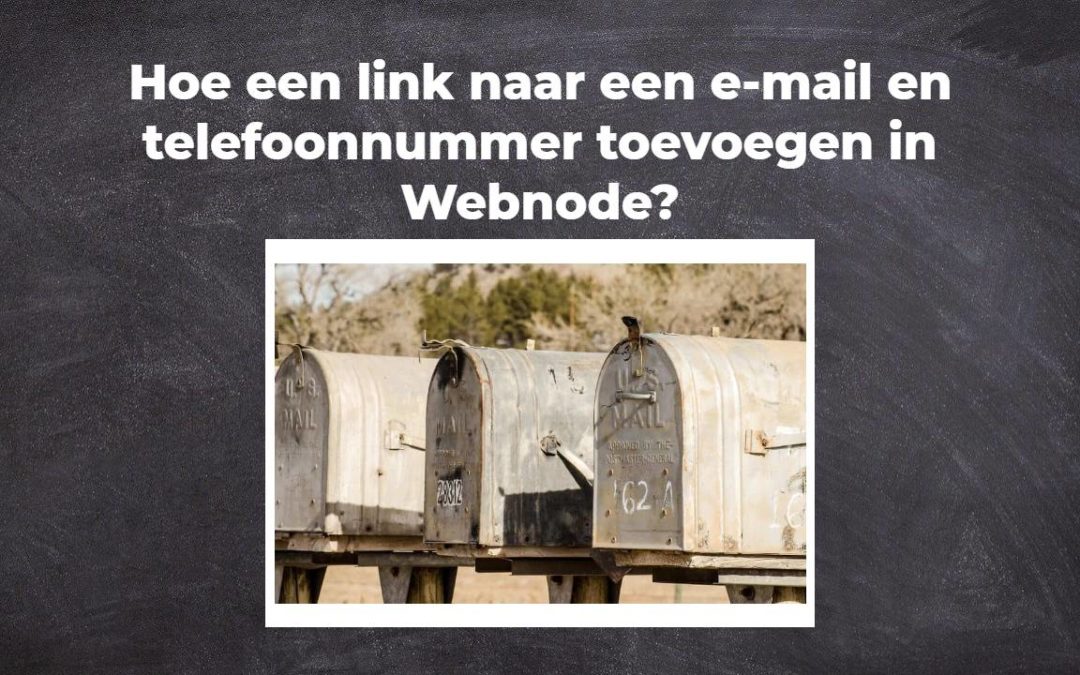
Hoe een link naar een e-mail en telefoonnummer toevoegen in Webnode?
VideoTutorial Moet je een link naar een e-mail of telefoonnummer toevoegen aan de met Webnode gemaakte site? E-mail communicatie is een snelle, eenvoudige en meest gebruikte verbinding tussen jou en je klanten. Voor de meeste potentiële klanten is tijd echter...
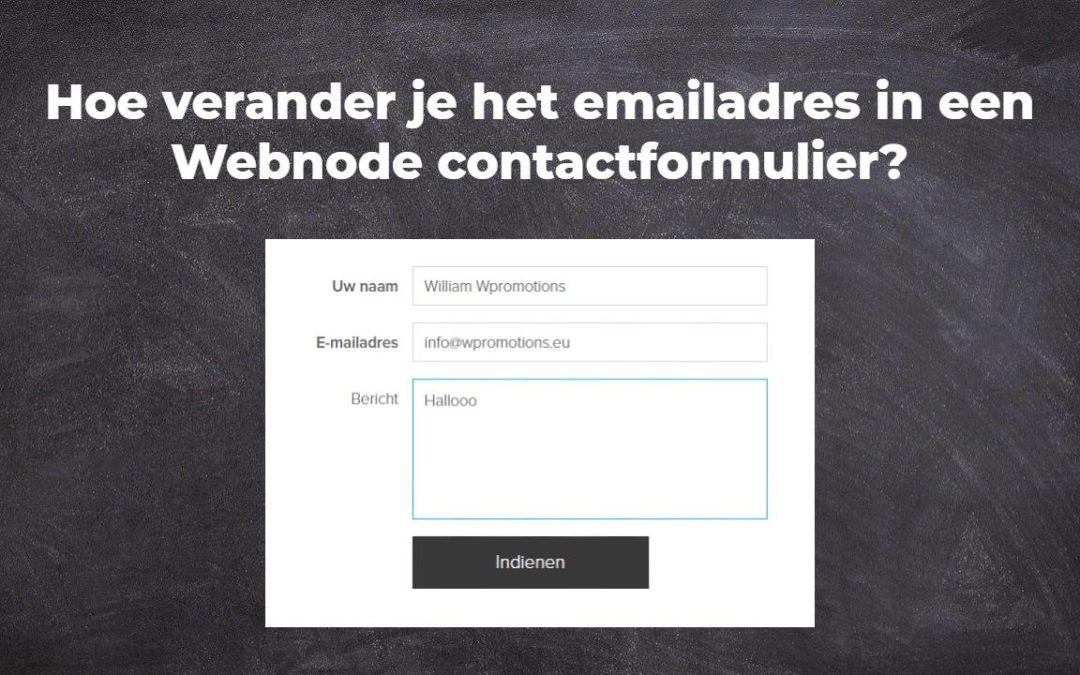
Hoe verander je het emailadres in een Webnode contactformulier?
Moet je het e-mail adres in het contactformulier in Webnode veranderen? Het emailadres in het Webnode contactformulier is vooraf ingesteld op het emailadres dat je gebruikt om in te loggen in Webnode. Als je het email in het contactformulier wilt veranderen,...
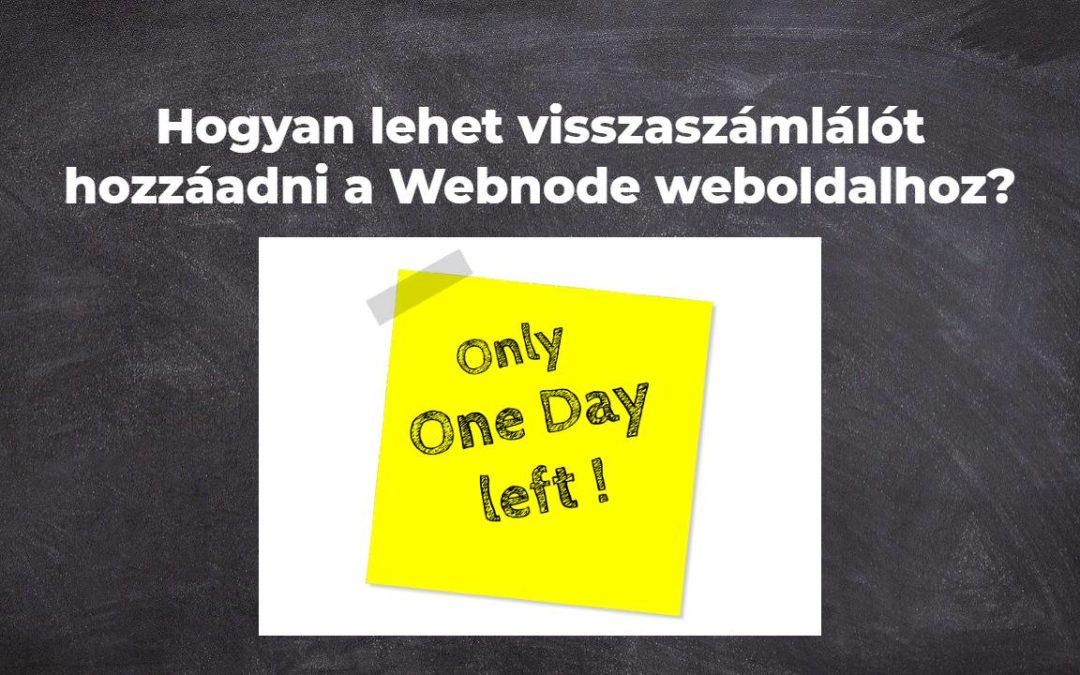
Hogyan lehet visszaszámlálót hozzáadni a Webnode weboldalhoz?
Hogyn tudsz könnyedén hozzáadni egy visszaszámlálót a weboldaladhoz (Webnode) Szeretnél hozzáadni egy visszaszámlálót a webhelyedhez? Például esküvőt tervezel, és szeretnél visszaszámolni, hány napig marad az esküvőig? Nem probléma, csak kövesd az alábbi...
Hoe ankerlinks maken in Webnode? Klikken&rollen
Videotutorial met Engelse ondertiteling Het anker werkt als een link binnen een enkele pagina. Je ziet geen andere pagina (web) door de link, maar je wordt naar een andere plaats gebracht op de pagina die je nu bekijkt. De vorming van ankers (tabs) is in twee delen...
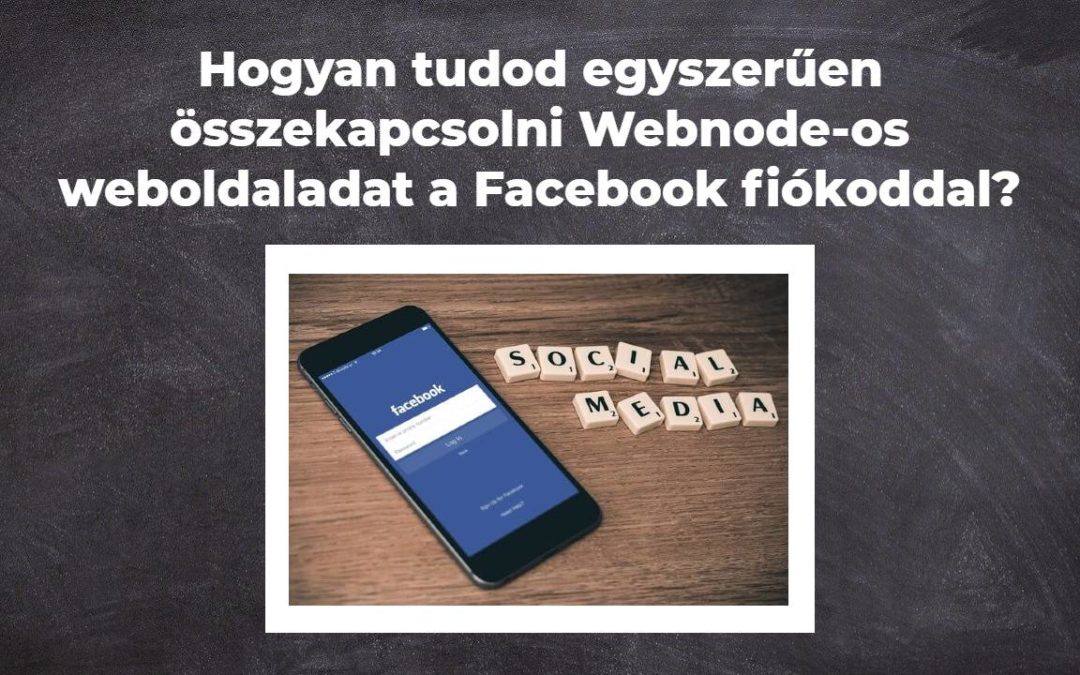
Hogyan tudod egyszerűen összekapcsolni Webnode-os weboldaladat a Facebook fiókoddal?
Widgetet szeretnél beilleszteni a Facebook beillesztéséhez a Webnode-os weboldaladra? A „Hogyan illessz be szociális média ikont(FB és Instagram) a weboldalad tetejére?” című útmutatóban egy elegáns megoldást mutattam be arra, hogyan tudod a szociális médiát...
Hogyan lehet konverziós kódot hozzáadni a Webnode weboldalhoz?
Konverziós kódot szeretnél beágyazni a Webnode weboldalba, például Adwords-ből, stb. ?? Mi az a konverzió? Leegyszerűsítve: A konverzió valami, amit szeretnél, hogy a látogatók megtegyenek a weboldaladon (például űrlap kitöltése, termék megvásárlása...
Hogyan adhatsz hozzá egy „Scroll to Top”(Ugrás a lap tetejére) gombot a Webnode weboldaladhoz?
Videotutorial in Slovak language with ENGLISH subtitlesSzeretnél hozzáadni egy „Ugrás a lap tetejére” gombot a Webnode webhelyedhez? A „Hogyan hozhatunk létre horgony linket a Webnode-ban? Click&Scroll” útmutatóban megmutattam, hogyan kell egy adott helyre...
How to add a playlist or album from Spotify to the Webnode website?
In the tutorial "3 easy ways to embed an online MP3 player on the web", I showed you very simple way to embed a music player on your Webnode website. Let's take a look at your other options together.Do you LIKE Spotify?Simply embed your Spotify playlist / album to...
Jak na web ve Webnode přidat playlist/album ze Spotify?
V návodu „3 jednoduché způsoby jak na web vložit online MP3 přehrávač“ jsme si ukázali jednoduchý způsob jak vložit na web přehrávač hudby. Pojďme se nyní společně podívat na vaše další možnosti.Máte rádi Spotify?Vložte si Spotify playlist/album jednoduše na svůj web...

