


Código de descuento Webnode 2026: consigue un 15 % de descuento adicional en los planes Premium
¿Ya utilizas Webnode o estás pensando en crear tu sitio web? Tenemos un código de descuento Webnode actualizado con el que puedes obtener un 15 % de descuento en planes Premium seleccionados.
La promoción es válida hasta el 31 de enero de 2026 y es una oportunidad ideal para empezar el nuevo año con un sitio web mejor y más profesional.
Escribimos sobre Webnode desde 2016 y, históricamente, esta es la primera vez que Webnode ofrece un descuento tan atractivo (mediante un código de descuento Webnode).
Con este código obtienes:
- 15 % de descuento en el plan Premium (activación de un nuevo plan o renovación de un paquete existente)
- El descuento es válido del 10/12/2025 al 31/01/2026
- Planes compatibles: Mini, Standard, Profi, Business
Dónde es válida la oferta
El código de descuento se puede utilizar para sitios web registrados en las siguientes regiones:
- Europa
- América del Norte
- Japón
- Taiwán
Cómo usar el código de descuento de Webnode
- Inicia sesión en tu cuenta de Webnode.
- Selecciona el sitio web en el que deseas activar el plan Premium.
- Accede a la sección de planes Premium.
- Elige el plan Mini, Standard, Profi o Business.
- Durante el proceso de compra, introduce el código de descuento TBH3-77XA y haz clic en Activar.
- Confirma el pedido y el descuento se aplicará automáticamente.
Por qué vale la pena Webnode Premium
- Dominio propio sin anuncios de Webnode
- Más espacio para contenido e imágenes
- Funciones avanzadas para negocios y proyectos
- Apariencia profesional del sitio web
Resumen de la promoción
Descuento: 15 %
Válido hasta: 31 de enero de 2026
Planes: Mini, Standard, Profi, Business
Regiones: Europa, América del Norte, Japón, Taiwán
Código de descuento: TBH3-77XA
Aprovecha esta oferta por tiempo limitado y obtén el plan Webnode Premium a un mejor precio. No lo dejes pasar: esta promoción puede no repetirse.
Más guías útiles


3 simple ways how to embed an online MP3 player on the web in Webnode
Are you looking for a simple way how to embed MP3 player on Webnode site? In this tutorial I will show you three easy ways (free of charge). 1. The first way is to use the function directly in the Webnode editor. Click "+" and "File". Mp3 will start in a...

How to add a custom search box to my website/e-shop in Webnode?
In the tutorial How to add a product searchbox in Webnode e-shop? I've shown a simple solution for adding your own search engine. Let's take a look at another search engine and your other options.Create your own search box using Google Custom Search Engine Find...
How to add an online reservation system to Webnode? It’s Free!
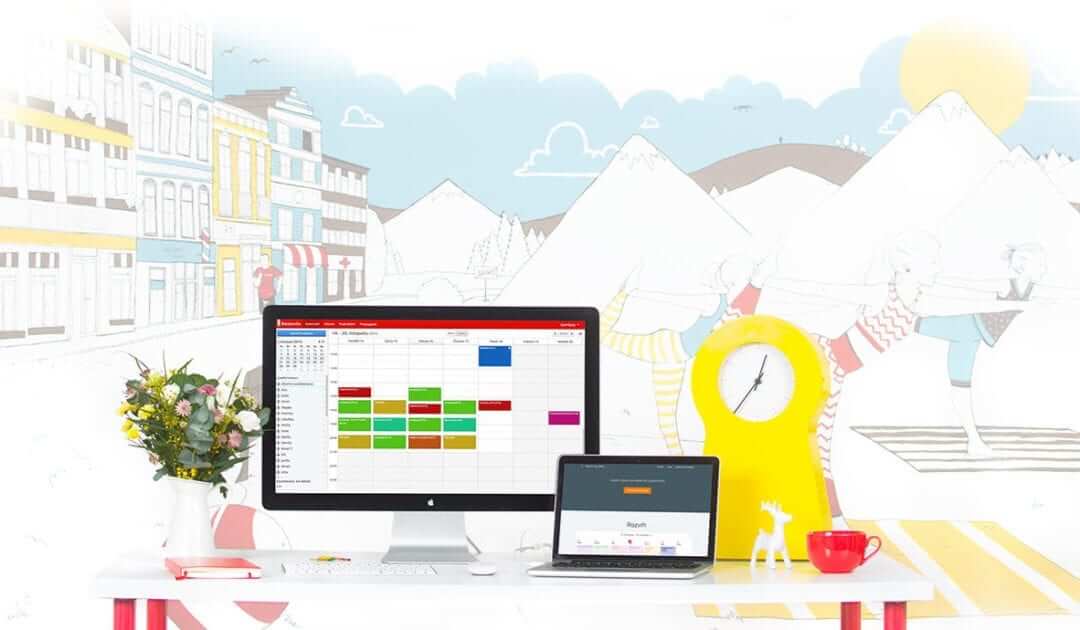
Do you need an powerful online booking reservation system? Works perfectly with Webnode.Whatever you do, Reservio is a great choice for organizing your time! 🙂 And what does the Reservio online booking system offer to you? a clear calendar where you can find...

How to connect own domain or subdomain with Webnode? Set DNS records easily
Do you want to change the URL of the "webnode" website to your own domain f.e "mydomain.com" or "e-shop.mydomain.com" ? Using your own domain is a feature included in the Premium plans: Limited, Mini, Standard, and Profi. After purchasing one of the Premium...

12 biggest free pictures stocks for commercial use. Pictures for free.
In this tutorial you will find links to 12 free photo services. All images are licensed under CC0 license. ✔ Images are for commercial use. If you've downloaded images through Google, it's wrong! When you are creating own website, I recommend you these 12 free sources...

How to change the URL address of a Webnode page, article or product?
Do you need to change the URL for a Webnode page? In this tutorial, I'll show you how to change the URL of a page, article, and product in Webnode. 1. Change the URL of the page. In the top editor bar, click on "Pages" - "Choose a page" - "SEO page setup". and...

How to change the color of a label when copying text?
Are you looking for a way to change the color of the label (mark) when copying? This color is preset in blue. In this tutorial, I'll show you how you can easily change the color and thus improve the look of your site. #Let's do it 🙂 1. Log in to editing the...

How to add Webnode website to Search engine Bing.com?
Looking for a way to add your website to Bing.com? Read more! In tutorial How to add a Webnode website to Google Search? I have shown how to link your site to Google. (automatic index) Now let's look at Bing.com. Bing.com is the second most used search engine and...

How to change the image for a shared Facebook link in Webnode?
You do not see the (preview) image when sharing a website in Facebook? If you share your website link on Facebook, it may happen that no picture appears or an image you do not want appears. In the following steps, you'll learn how to change the image for the shared...

