


Webnode kedvezménykód 2026: extra 15% kedvezmény a Premium csomagokra
Már használod a Webnode-ot, vagy csak most gondolkodsz rajta? Van egy aktuális Webnode kedvezménykódunk, amellyel 15% kedvezményt kapsz a kiválasztott Premium csomagokra.
Az akció 2026. január 31-ig érvényes, és tökéletes lehetőség arra, hogy az új évet egy jobb, professzionálisabb weboldallal indítsd.
2016 óta írunk a Webnode-ról, és ez történelmi szempontból az első alkalom, hogy a Webnode ilyen nagy kedvezményt kínál (Webnode kedvezménykód formájában)!
Ezzel a kóddal a következőket kapod:
- 15% kedvezmény a Premium csomagra (új előfizetés aktiválása vagy meglévő csomag meghosszabbítása)
- A kedvezmény érvényes: 2025.12.10.–2026.01.31.
- Támogatott csomagok: Mini, Standard, Profi, Business
Hol érvényes a kedvezmény
A kedvezménykód az alábbi régiókban regisztrált weboldalakra használható fel:
- Európa
- Észak-Amerika
- Japán
- Tajvan
Hogyan használd a Webnode kedvezménykódot
- Jelentkezz be a Webnode-fiókodba.
- Válaszd ki azt a weboldalt, amelyhez aktiválni szeretnéd a Premium csomagot.
- Lépj a Premium csomagok szekcióba.
- Válaszd a Mini, Standard, Profi vagy Business csomagot.
- A rendelés során add meg a TBH3-77XA kedvezménykódot, majd kattints az Aktiválás gombra.
- Erősítsd meg a rendelést, és a kedvezmény automatikusan levonásra kerül.
Miért éri meg a Webnode Premium
- Saját domain Webnode hirdetések nélkül
- Több tárhely a tartalmak és képek számára
- Fejlett funkciók vállalkozásokhoz és projektekhez
- Professzionális megjelenésű weboldal
A kedvezményes akció összefoglalása
Kedvezmény: 15%
Érvényesség: 2026. január 31-ig
Csomagok: Mini, Standard, Profi, Business
Régiók: Európa, Észak-Amerika, Japán, Tajvan
Kedvezménykód: TBH3-77XA
Használd ki ezt a korlátozott ideig elérhető ajánlatot, és szerezd meg a Webnode Premium csomagot kedvezőbb áron. Ne halogasd – lehet, hogy ez az akció nem ismétlődik meg.
További nagyszerű útmutatók


3 simple ways how to embed an online MP3 player on the web in Webnode
Are you looking for a simple way how to embed MP3 player on Webnode site? In this tutorial I will show you three easy ways (free of charge). 1. The first way is to use the function directly in the Webnode editor. Click "+" and "File". Mp3 will start in a...

How to add a custom search box to my website/e-shop in Webnode?
In the tutorial How to add a product searchbox in Webnode e-shop? I've shown a simple solution for adding your own search engine. Let's take a look at another search engine and your other options.Create your own search box using Google Custom Search Engine Find...
How to add an online reservation system to Webnode? It’s Free!
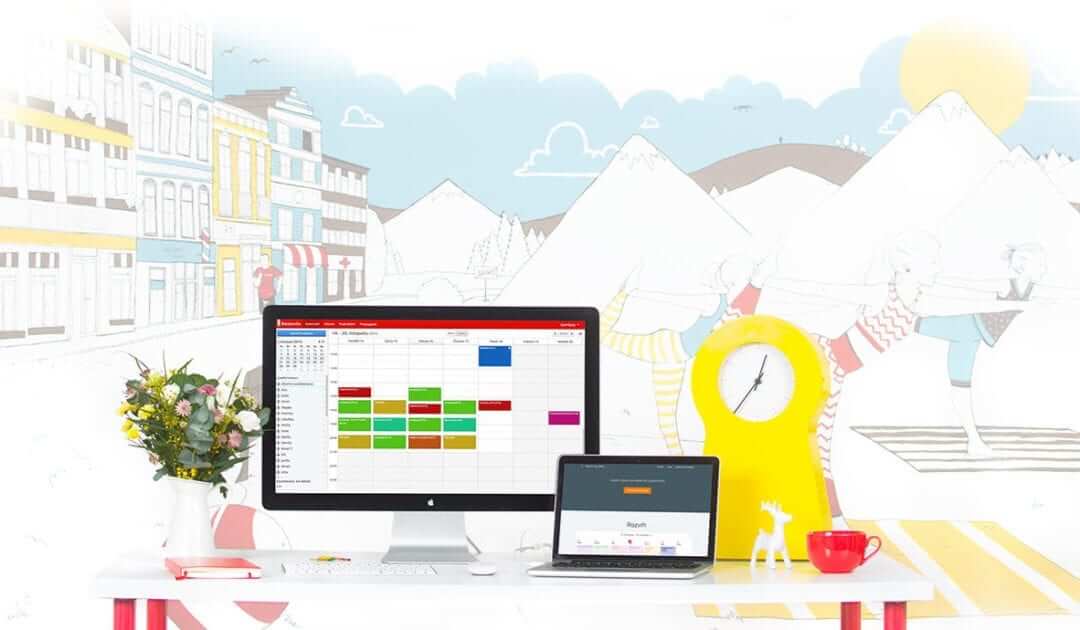
Do you need an powerful online booking reservation system? Works perfectly with Webnode.Whatever you do, Reservio is a great choice for organizing your time! 🙂 And what does the Reservio online booking system offer to you? a clear calendar where you can find...

How to connect own domain or subdomain with Webnode? Set DNS records easily
Do you want to change the URL of the "webnode" website to your own domain f.e "mydomain.com" or "e-shop.mydomain.com" ? Using your own domain is a feature included in the Premium plans: Limited, Mini, Standard, and Profi. After purchasing one of the Premium...

12 biggest free pictures stocks for commercial use. Pictures for free.
In this tutorial you will find links to 12 free photo services. All images are licensed under CC0 license. ✔ Images are for commercial use. If you've downloaded images through Google, it's wrong! When you are creating own website, I recommend you these 12 free sources...

How to change the URL address of a Webnode page, article or product?
Do you need to change the URL for a Webnode page? In this tutorial, I'll show you how to change the URL of a page, article, and product in Webnode. 1. Change the URL of the page. In the top editor bar, click on "Pages" - "Choose a page" - "SEO page setup". and...

How to change the color of a label when copying text?
Are you looking for a way to change the color of the label (mark) when copying? This color is preset in blue. In this tutorial, I'll show you how you can easily change the color and thus improve the look of your site. #Let's do it 🙂 1. Log in to editing the...

How to add Webnode website to Search engine Bing.com?
Looking for a way to add your website to Bing.com? Read more! In tutorial How to add a Webnode website to Google Search? I have shown how to link your site to Google. (automatic index) Now let's look at Bing.com. Bing.com is the second most used search engine and...

How to change the image for a shared Facebook link in Webnode?
You do not see the (preview) image when sharing a website in Facebook? If you share your website link on Facebook, it may happen that no picture appears or an image you do not want appears. In the following steps, you'll learn how to change the image for the shared...

