


Webnode kedvezménykód 2026: extra 15% kedvezmény a Premium csomagokra
Már használod a Webnode-ot, vagy csak most gondolkodsz rajta? Van egy aktuális Webnode kedvezménykódunk, amellyel 15% kedvezményt kapsz a kiválasztott Premium csomagokra.
Az akció 2026. január 31-ig érvényes, és tökéletes lehetőség arra, hogy az új évet egy jobb, professzionálisabb weboldallal indítsd.
2016 óta írunk a Webnode-ról, és ez történelmi szempontból az első alkalom, hogy a Webnode ilyen nagy kedvezményt kínál (Webnode kedvezménykód formájában)!
Ezzel a kóddal a következőket kapod:
- 15% kedvezmény a Premium csomagra (új előfizetés aktiválása vagy meglévő csomag meghosszabbítása)
- A kedvezmény érvényes: 2025.12.10.–2026.01.31.
- Támogatott csomagok: Mini, Standard, Profi, Business
Hol érvényes a kedvezmény
A kedvezménykód az alábbi régiókban regisztrált weboldalakra használható fel:
- Európa
- Észak-Amerika
- Japán
- Tajvan
Hogyan használd a Webnode kedvezménykódot
- Jelentkezz be a Webnode-fiókodba.
- Válaszd ki azt a weboldalt, amelyhez aktiválni szeretnéd a Premium csomagot.
- Lépj a Premium csomagok szekcióba.
- Válaszd a Mini, Standard, Profi vagy Business csomagot.
- A rendelés során add meg a TBH3-77XA kedvezménykódot, majd kattints az Aktiválás gombra.
- Erősítsd meg a rendelést, és a kedvezmény automatikusan levonásra kerül.
Miért éri meg a Webnode Premium
- Saját domain Webnode hirdetések nélkül
- Több tárhely a tartalmak és képek számára
- Fejlett funkciók vállalkozásokhoz és projektekhez
- Professzionális megjelenésű weboldal
A kedvezményes akció összefoglalása
Kedvezmény: 15%
Érvényesség: 2026. január 31-ig
Csomagok: Mini, Standard, Profi, Business
Régiók: Európa, Észak-Amerika, Japán, Tajvan
Kedvezménykód: TBH3-77XA
Használd ki ezt a korlátozott ideig elérhető ajánlatot, és szerezd meg a Webnode Premium csomagot kedvezőbb áron. Ne halogasd – lehet, hogy ez az akció nem ismétlődik meg.
További nagyszerű útmutatók


How to easily add a website to the Google My Business?
Instruction for registration in the catalog of companies My Business - Google. *Service is for FREE. Let's now take a look at the largest catalog of companies in the world - Google My Business. Registering in My Business is an excellent way to show your business on...

How to download an invoice in Webnode?
Are u looking for your invoice for paid services at Webnode? In this tutorial I will show you exactly where you will find your invoice in Webnode. You can download the invoice directly in your project's administration. (cms) Important note: Only the site owner (the...
How to easily edit the content of 404 page in Webnode?
Looking for a way to edit page 404 (page not found) in Webnode? In this tutorial, you will learn how to edit the 404 Webnode page. Page 404 is important if a link to your site no longer exists. Page 404 will always appear whenever a visitor visits a non-existent page...

How to add a social network icons (FB and Instagram) to the top of the Webnode website?
You are looking for a way to insert the social icons at the Webnode website? (to the top of the site) In tutorials How do I easily link my Facebook to my website in Webnode? and How to link your Instagram with website in Webnode? I've shown how you can link...

How to add a conversion code in Webnode?
Looking for a way to embed a conversion code for Webnode from Adwords, etc. ? What is that conversion? Simply: Conversion is something you want a visitor to do on your site (filling in a form, purchasing a product in an e-shop, etc.) Conversion is the...

How To Create A Professional Email Signature? Simply and FREE
Looking for a easy way to create an email signature? (Gmail, Webmail, Outlook, etc.) Email signature is an inevitable part of modern communication between the customer and the entrepreneur. Business email will increase credibility in the eyes of your potential...
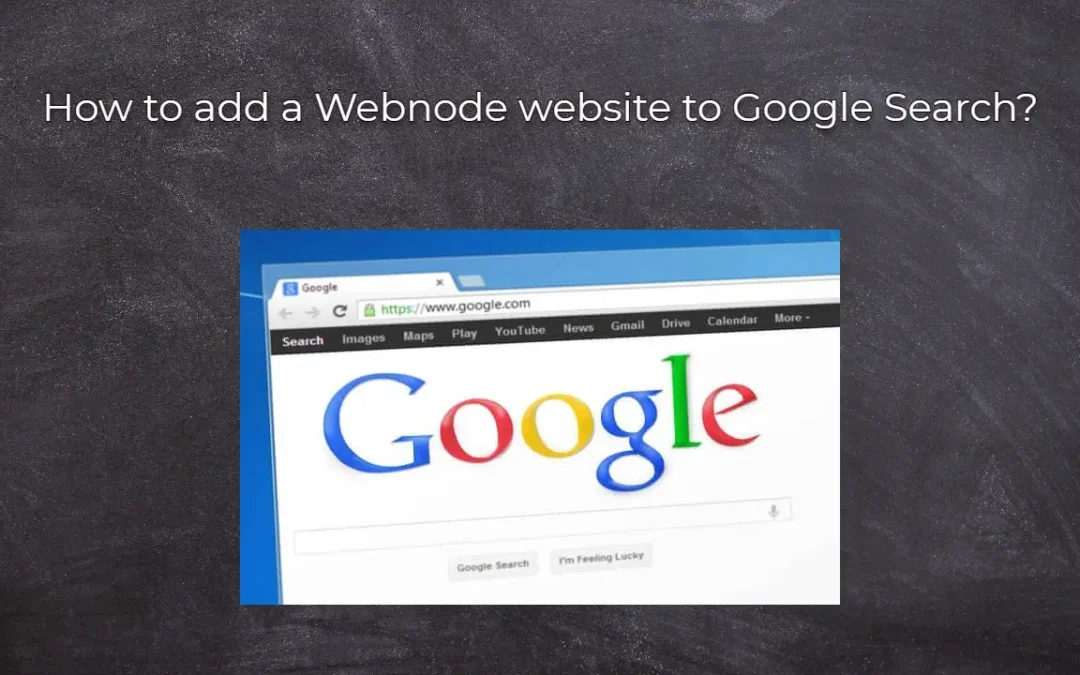
How to add a Webnode website to Google Search?
Add a Webnode website to Google Search Engine We're all familiar with Google search engine, and it's not necessary to introduce it in any way. Search engines roam web pages regularly, and when they find a new site, they automatically add it to their search results. If...

How to create anchor links in Webnode? Click&Scroll
Videotutorial with ENG subtitles The anchor works as a link within a single page. You do not see a different page (web) through the link, but you will be taken to another place on the page you are currently viewing. Anchor formation (tabs) is divided into two...

How to add link to an email and phone number in Webnode?
Do you need to add a link to an email or phone number on the site created with Webnode? Email communication is a fast, simple and most commonly used link between you and your customers. For most potential customers, however, the main task is time, which can lead to...

