



Möchten Sie in Ihre Website Online-Chat einbinden, um schneller mit Ihren Kunden kommunizieren zu können?
In dieser Anleitung zeigen wir Ihnen, wie Sie den HTML-Code eines Online-Chats einfach und gratis auf Ihrer Website einfügen können.
1. Der erste Schritt ist die Registrierung auf der Website: https://www.smartsupp.com/de
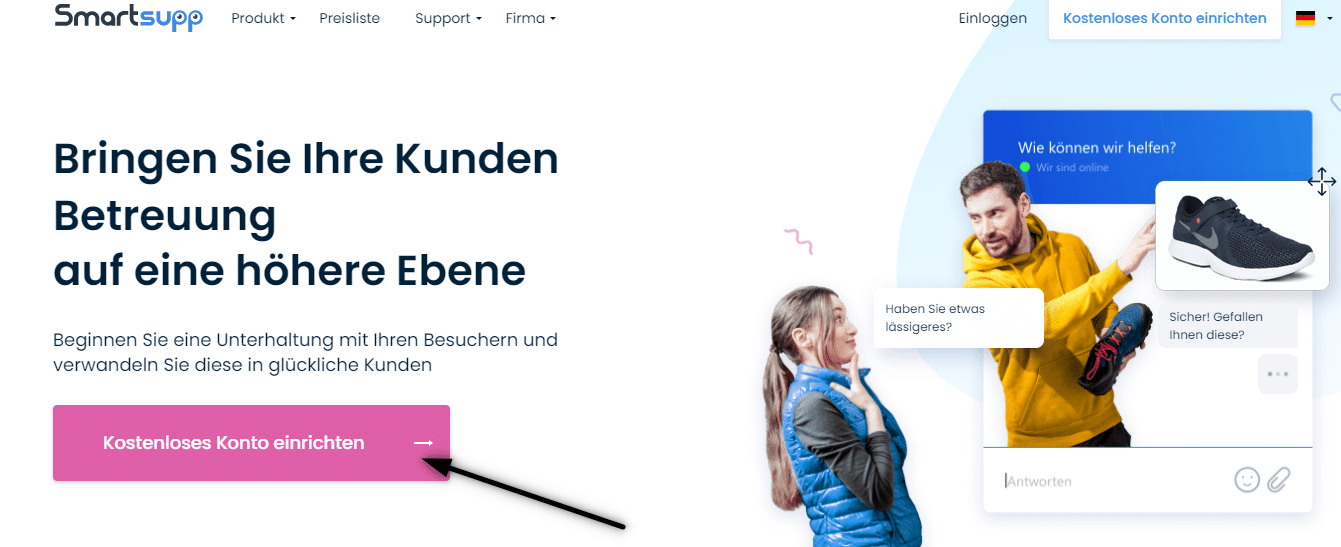

2. Um die Registrierung abzuschließen, überprüfen Sie Ihre E-Mail-Adresse und melden Sie sich an.
3. Klicken Sie dann auf diesen Link, der Sie zum Erstellen des HTML-Codes des Online-Chats weiterleitet: https://www.smartsupp.com/app/settings/chatbox/chat-code
4. Kopieren Sie den HTML-Code des Online-Chats
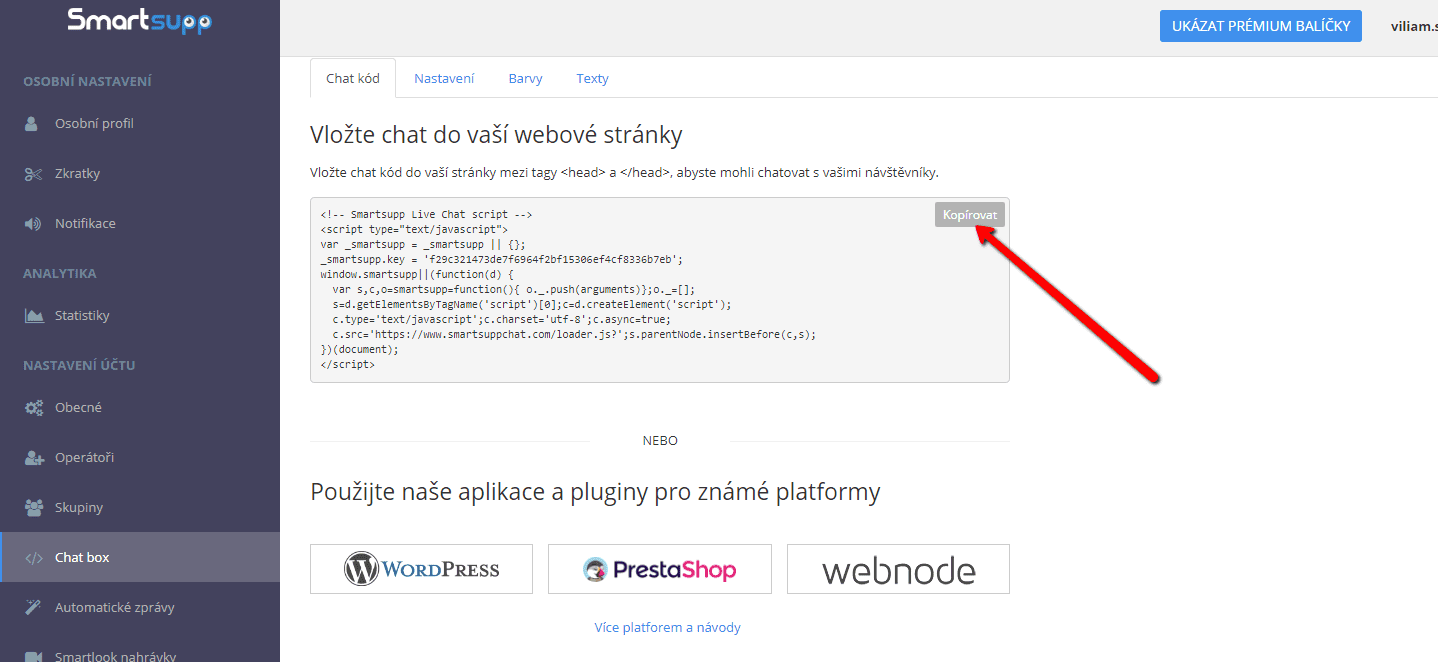

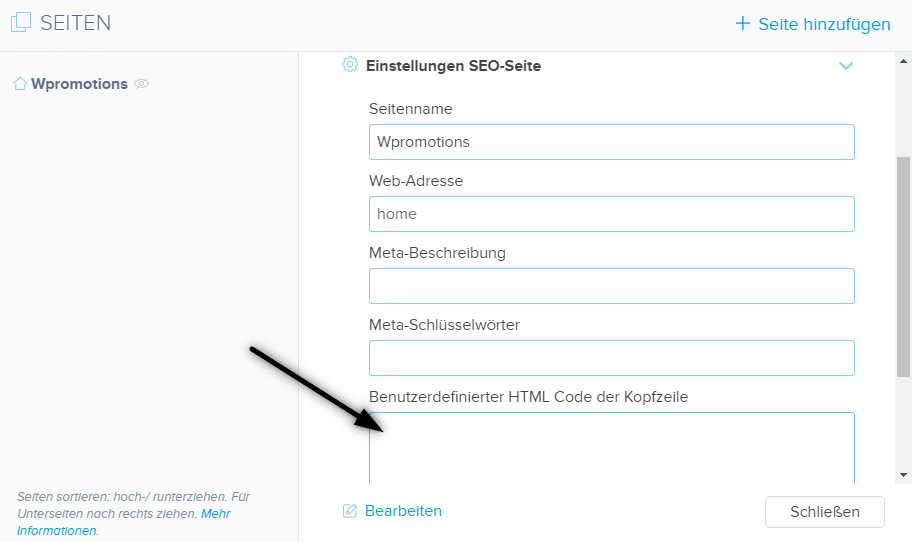
5. Fügen Sie den HTML-Code des Online-Chats in die Kopfzeile (<head> </head>) Ihrer Website ein.
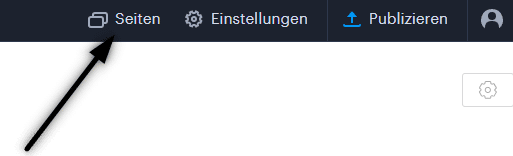
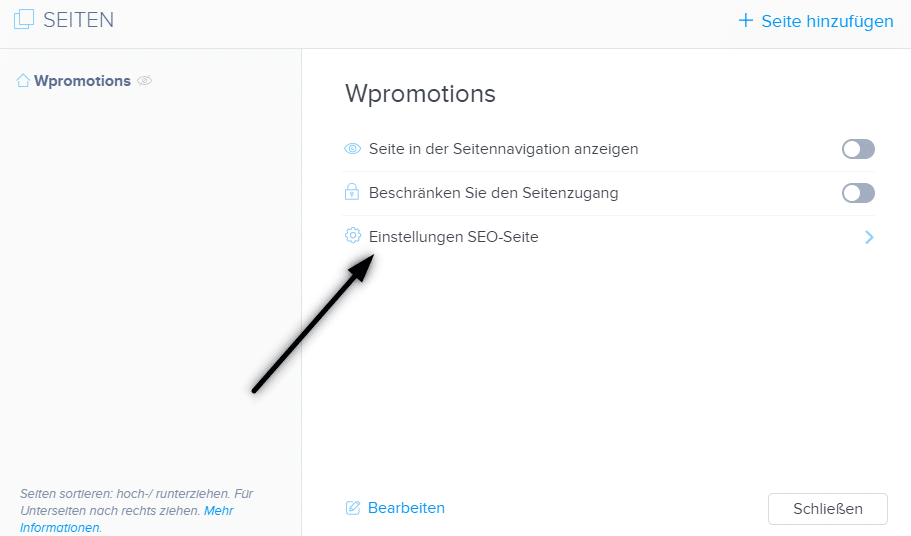
Klicken Sie in der oberen Leiste des Editors auf „Seiten“ – Seite auswählen – „Einstelungen SEO-Seite“ – „HTML Code der Kopfzeile„
.
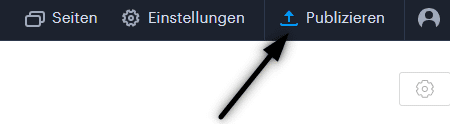
6. Veröffentlichen Sie Ihre Änderungen und Sie sind fertig. Ihr Online-Chat ist eingefügt und wird unten auf der Website angezeigt.
Weitere tolle Tutorials

Webnode Review: How to create a website/e-shop for free (Webnode review 2025 +SEO TIPS)
Have you ever wanted to create your own website from scratch? Do you want to create a website or e-shop and make it visible on the Internet? Get started right now and learn how to easily create your first custom website.Creating a website with Webnode is so simple...
How to add spinning wheel to a website?
Spinning Wheel / Wheel of Fortune Spinning Wheel - Free VS Premium Spinning Wheel - Templates TUTORIAL: How to Add Spinning Wheel to a Website in Webnode? A Few Words at the End Spinning Wheel - FAQSpinning Wheel/ Wheel of FortuneIn previous articles, we explained How...
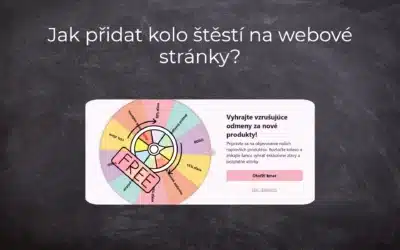
Jak přidat kolo štěstí na webové stránky?
Kolo štěstí / Spinning Wheel Kolo štěstí - zdarma VS premium Kolo štěstí - šablony NÁVOD: Jak přidat kolo štěstí na webové stránky ve Webnode? Pár slov na závěr Kolo štěstí - Časté dotazy (FAQ)Kolo štěstí / Spinning WheelV předchozích článcích jsme si ukázali Jak...
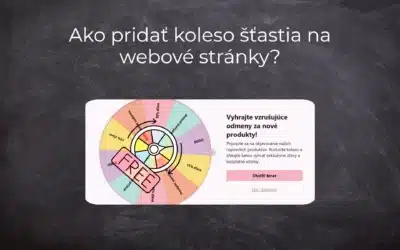
Ako pridať koleso šťastia na webové stránky?
Koleso šťastia / Spinning Wheel Koleso šťastia - zdarma VS premium Koleso šťastia - šablóny NÁVOD: Ako pridať koleso šťastia na webové stránky vo Webnode? Pár slov na záver Koleso šťastia - Časté otázky (FAQ)Koleso šťastia / Spinning WheelV predchádzajúcich článkoch...
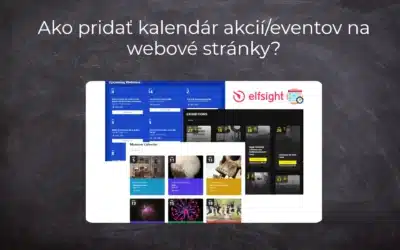
Ako pridať kalendár akcií/eventov na webové stránky?
Kalendár akcií/eventov Event Calendar widget - zdarma VS premium Kalendár akcií šablóny - kalendár pre každý event NÁVOD: Ako pridať kalendár akcií/eventov na webové stránky vo Webnode? Kalendár akcií - ukážka Pár slov na záver Kalendár akcií - Časté otázky...
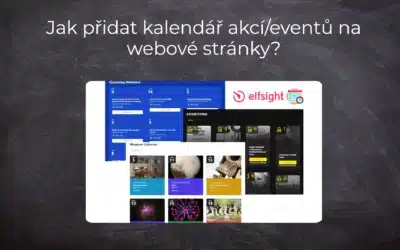
Jak přidat kalendář akcí/eventů na webové stránky?
Kalendář akcí/eventů Event Calendar widget - zdarma VS premium Kalendář akcí šablony - kalendář pro každý event NÁVOD: Jak přidat kalendář akcí/eventů na webové stránky ve Webnode? Kalendář akcí - ukázka Pár slov na závěr Kalendář akcí - Časté dotazy (FAQ)Kalendář...
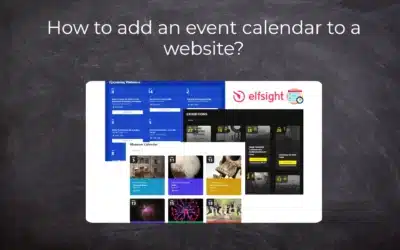
How to add an event calendar to a website?
Event Calendar Event Calendar Widget - Free VS Premium Event Calendar Templates TUTORIAL: How to Add an Event Calendar to a Website? Event Calendar- Preview A Few Words at the End Event Calender - FAQEvent CalendarIn previous articles we focused on How to add number...
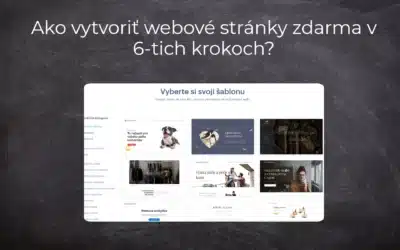
Ako vytvoriť webové stránky zdarma v 6-tich krokoch?
Webové stránky zdarma Webové stránky zdarma – šablóny Pre koho sú webové stránky zdarma určené? Webové stránky zdarma s vlastnou doménou Webové stránky zdarma - 5 overených tipov ako začať NÁVOD: Ako vytvoriť webové stránky v 6-tich krokoch? Pár slov na záver Webové...
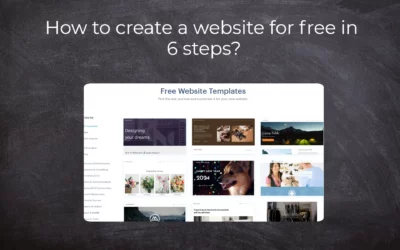
How to create a website for free in 6 steps?
Websites for Free Free Websites – Templates Who are Free Websites Suitable for? Websites for Free & Own Domain Free Websites - 5 Proven Tips to Get Started TUTORIAL: How to Create a Website for Free in 6 Steps? A Few Words at the End Websites for Free -...

