


Webnode Discount Code 2026: Get an Extra 15% Off Premium Plans
Are you already using Webnode, or are you just thinking about creating your website? We have an up-to-date Webnode discount code that gives you 15% off selected Premium plans.
This limited-time offer is valid until January 31, 2026, making it a perfect opportunity to start the new year with a better, more professional website.
We have been writing about Webnode since 2016, and this is the very first time in history that Webnode has offered such a generous discount (via a Webnode discount code)!
With this code, you get:
- 15% off the Premium plan (new activation or renewal of an existing plan)
- Discount valid from December 10, 2025 to January 31, 2026
- Supported plans: Mini, Standard, Profi, Business
Where the Discount Applies
The discount code can be used for websites registered in the following regions:
- Europe
- North America
- Japan
- Taiwan
How to Use the Webnode Discount Code
- Log in to your Webnode account.
- Select the website where you want to activate the Premium plan.
- Go to the Premium Plans section.
- Choose the Mini, Standard, Profi, or Business plan.
- Enter the discount code TBH3-77XA during checkout and click Activate.
- Confirm your order and the discount will be applied automatically.
Why Webnode Premium Is Worth It
- Custom domain with no Webnode ads
- More storage space for content and images
- Advanced features for business and projects
- A professional-looking website
Discount Summary
Discount: additional -15%
Valid until: January 31, 2026
Plans: Mini, Standard, Profi, Business
Regions: Europe, North America, Japan, Taiwan
Discount code: TBH3-77XA
Take advantage of this limited-time offer and get your Webnode Premium plan at a lower price. Don’t wait — this promotion may not be available again.
More awesome tutorials

¿Cómo añadir un enlace a un correo electrónico y un número de teléfono en Webnode?
Video tut ¿Necesitas añadir un enlace a un correo electrónico o número de teléfono en tu web creada con Webnode? El correo electrónico es una forma rápida, simple y común para comunicarte con tus clientes. Para la mayoría de tus clientes potenciales, la...
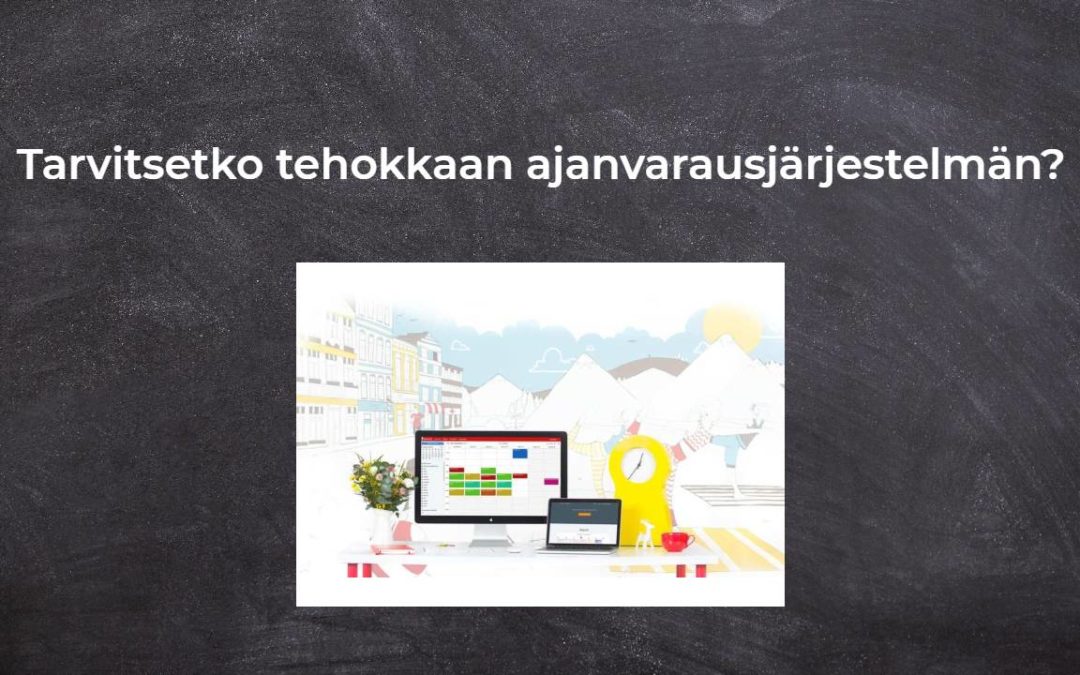
Tarvitsetko tehokkaan ajanvarausjärjestelmän?
Tarvitsetko tehokkaan ajanvarausjärjestelmän? Toimii täydellisesti Webnoden kanssa. Mitä tahansa teetkin, Reservio on loistava valinta ajan järjestämiseen! Ja mitä Reservion online-varausjärjestelmä tarjoaa sinulle? Selkeä kalenteri, josta löydät...
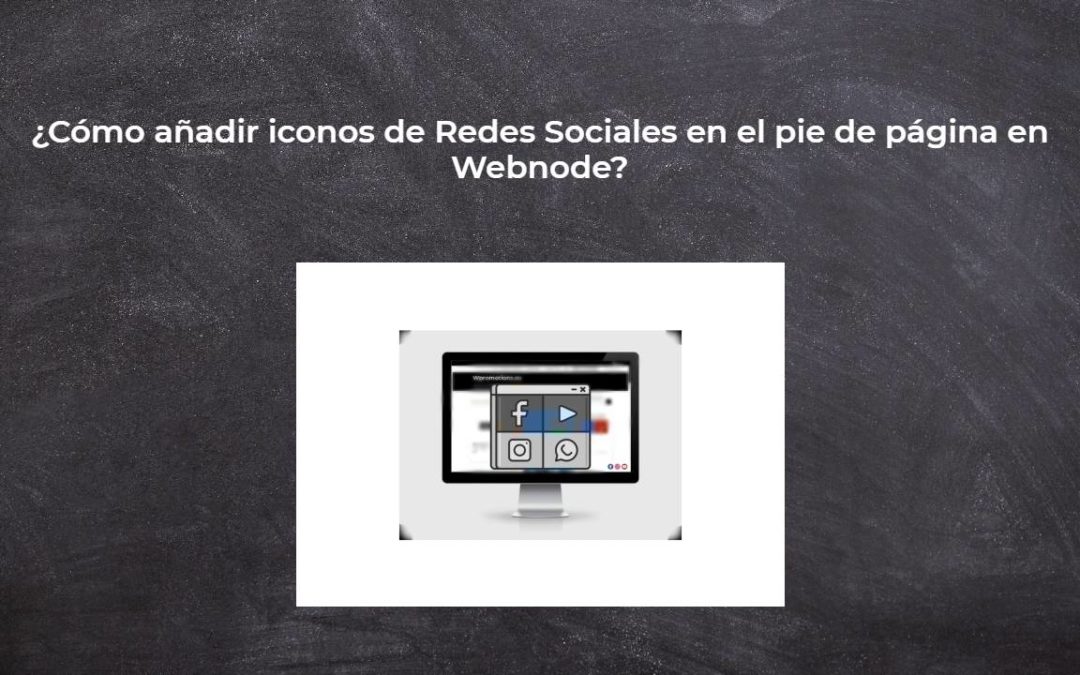
¿Cómo añadir iconos de Redes Sociales en el pie de página en Webnode?
¿Te gustaría tener íconos de redes sociales como Facebook, Instagram, YouTube, etc. en el pie de página de tu sitio web de WEBNODE?Las redes sociales como Facebook o Instagram son temas populares en mi sitio web. Escribí estos tutoriales: ¿Cómo vinculo...
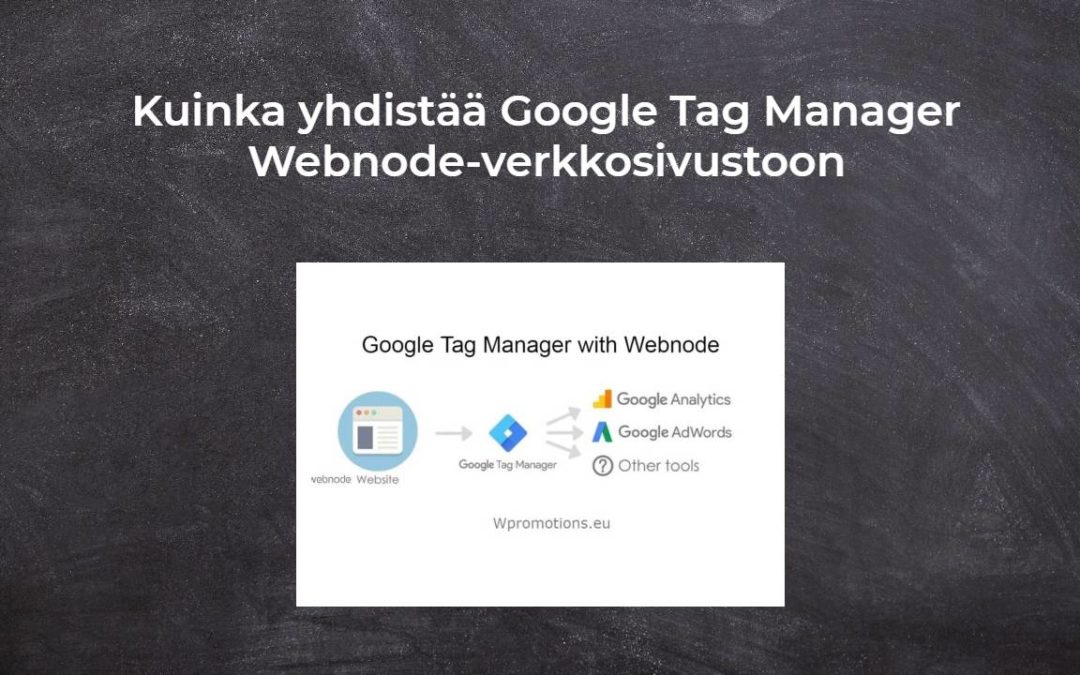
Kuinka yhdistää Google Tag Manager Webnode-verkkosivustoon
Mikä on Google Tag Manager? ja miksi tarvitset sitä?Verkkomarkkinointi edellyttää erilaisten mittauskoodien upottamista verkkosivustollesi tai verkkokauppaan. Jotta sinun ei tarvitse lisätä jokaista seurantakoodia "manuaalisesti" verkkosivuston ylä- tai...
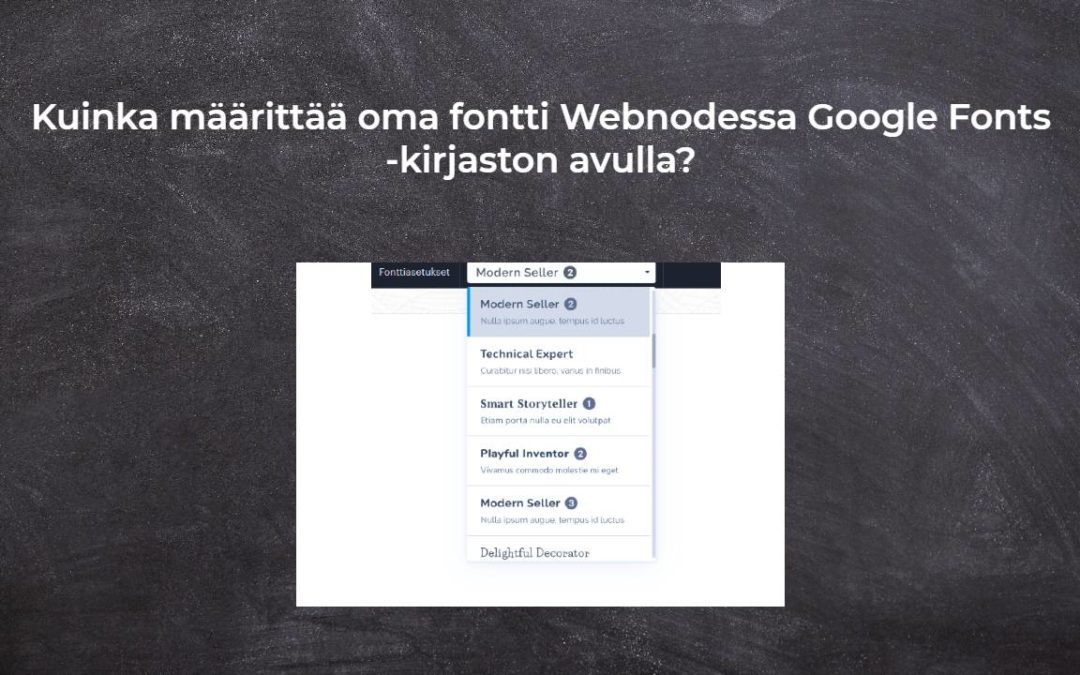
Kuinka määrittää oma fontti Webnodessa Google Fonts -kirjaston avulla?
VideotutorialHaluatko vaihtaa Webnoden fontin joksikin Google-fonteista? Alkuun muutama sanaWebnoden avulla voit muuttaa verkkosivustosi fonttia kohdassa "Asetukset" - "Muotoilu" - "Fontit". Tietysti Webnode-editori tarjoaa eniten käytettyjä ja suosituimpia...
Kuinka piilottaa kokoelma “kaikki tuotteet” Webnoden verkkokaupan tuoteluettelosta
Kuinka piilottaa "Kaikki tuotteet" -kokoelma Webnoden tuoteluettelosta?Opetusohjelmassa Kuinka piilottaa ostoskori Webnoden verkkokaupassa? ja Kuinka piilottaa (poistaa) julkaisupäivä Webnode-blogi kirjoituksista olemme osoittaneet, kuinka helppoa on "piilottaa"...
Kuinka lisätä sosiaalisia kuvakkeita Webnode CMS:n alatunnisteeseen?
Haluatko lisätä sosiaalisia kuvakkeita, kuten Facebook, Instagram, YouTube jne. WEBNODE-verkkosivustosi alatunnisteeseen?Sosiaaliset mediat kuten Facebook tai Instagram, ovat suosittuja aiheita verkkosivustollani. Kirjoitin nämä opetusohjelmat: Kuinka yhdistän...

Kuinka piilottaa (poistaa) julkaisupäivä Webnode-blogi kirjoituksista
Kuinka piilottaa julkaisujen julkaisupäivä Webnodessa?Ohjeessa Kuinka piilottaa ostoskori Webnoden verkkokaupassa? Olen näyttänyt sinulle, kuinka helppoa on "piilottaa" jotain Webnodessa. Tässä nopeassa opetusohjelmassa opit poistamaan päivämäärä helposti...

Kuinka luoda yksinkertainen käyntikorttisivusto ILMAISEKSI
Luo ensimmäinen käyntikorttisivustosi Webnoden avullaMikä on käyntikorttisivusto? Käyntikorttisivusto on yksinkertainen verkkosivusto, joka esittelee lyhyesti ja selkeästi palvelusi tai tuotteesi. Se on yksinkertainen verkkosivusto, jota käytetään perustietojen...

