


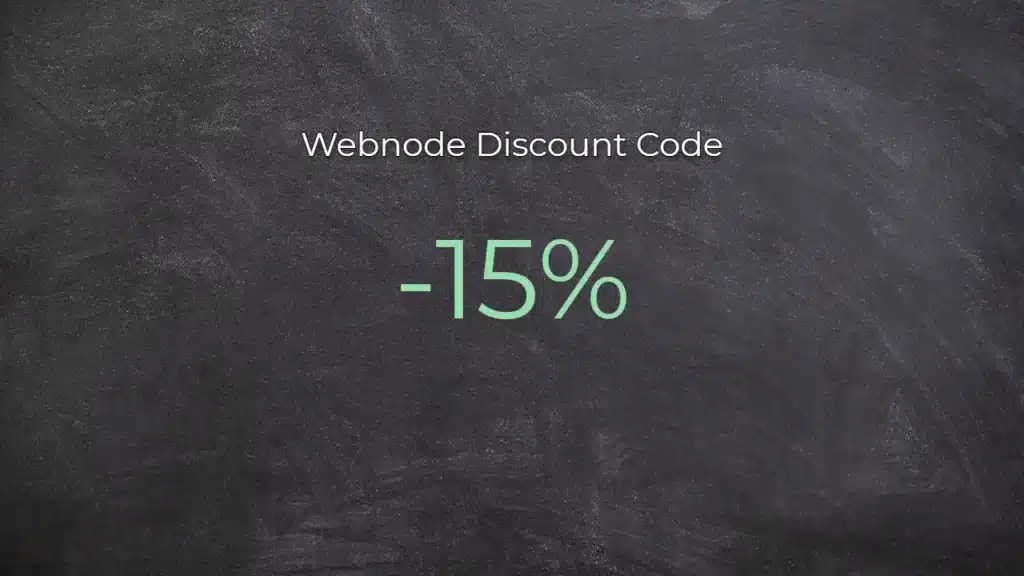
Webnode Discount Code 2026: Get an Extra 15% Off Premium Plans
Are you already using Webnode, or are you just thinking about creating your website? We have an up-to-date Webnode discount code that gives you 15% off selected Premium plans.
This limited-time offer is valid until January 31, 2026, making it a perfect opportunity to start the new year with a better, more professional website.
We have been writing about Webnode since 2016, and this is the very first time in history that Webnode has offered such a generous discount (via a Webnode discount code)!
With this code, you get:
- 15% off the Premium plan (new activation or renewal of an existing plan)
- Discount valid from December 10, 2025 to January 31, 2026
- Supported plans: Mini, Standard, Profi, Business
Where the Discount Applies
The discount code can be used for websites registered in the following regions:
- Europe
- North America
- Japan
- Taiwan
How to Use the Webnode Discount Code
- Log in to your Webnode account.
- Select the website where you want to activate the Premium plan.
- Go to the Premium Plans section.
- Choose the Mini, Standard, Profi, or Business plan.
- Enter the discount code TBH3-77XA during checkout and click Activate.
- Confirm your order and the discount will be applied automatically.
Why Webnode Premium Is Worth It
- Custom domain with no Webnode ads
- More storage space for content and images
- Advanced features for business and projects
- A professional-looking website
Discount Summary
Discount: additional -15%
Valid until: January 31, 2026
Plans: Mini, Standard, Profi, Business
Regions: Europe, North America, Japan, Taiwan
Discount code: TBH3-77XA
Take advantage of this limited-time offer and get your Webnode Premium plan at a lower price. Don’t wait — this promotion may not be available again.
More awesome tutorials


How to add a countdown timer in Webnode?
Countdown time in the WebnodeDo you need to add countdown timer HTML code to your website? Are you planning a wedding, party or opening a new restaurant and want to keep everyone on edge? No problem.1. Use the script to count down the time:xxx xxx On line no. 1 you...
How to avoid copying (stealing) from your website?
Do you want to avoid copying content from your website? This HTML code will allow your site to block the right click of the mouse on your site to prevent text copying. The keyboard shortcut (ctrl + c + ctrl + v) does not limit this, but it could discourage any...

How to connect Google Calendar to my website in Webnode?
Google Calendar - great help with organizing your time Google Calendar is a web application for organizing your time. In this tutorial, we'll learn how to insert Google Calendar into a Webnode website. 1. The first step is to create an account with Google - here 2. ...
How to change the email in a Webnode contact form?
Do you need to change the email in the contact form in Webnode? The email in the Webnode contact form is pre-set to the email you use to log in to Webnode. If you want to change the email in the contact form, follow these instructions: 1. Login to the...

How do I easily link my Facebook to my website in Webnode?
Do you need to insert a widget for linking a Facebook site to a website? In tutorial How to add a social network icons (FB and Instagram) to the top of the Webnode website? I have shown an elegant solution for linking soc. networks with your website. Let's now...

Ako Vytvoriť Profesionálny E-mailový Podpis? Jednoducho a ZDARMA
Hľadáte spôsob ako si vytvoriť emailový podpis? (Gmail, Webmail, Outlook apod) Emailový podpis je nevyhnuteľnou súčasťou modernej komunikácie medzi zákazníkom a podnikateľom. Firemný email zvýši dôveryhodnosť v očiach Vášho potencionálneho klienta. Vytvorte si preto...

Jak přidat www stránku do katalogu firem Firmy.cz od Seznam?
Návod k registraci do katalogu firem Firmy.cz *Služba je zcela zdarma. V návode Jak přidat www stránku do katalogu firem Moje Firma od Google? jsme si ukázali jako Vaši firmu zaregistrujete do světově nejznámějšího a největšího katalogu Firem od Google. Pojďme se...

Jak přidat www stránku do vyhledávače Bing.com?
Hledáte způsob jak přidat Vaši www stránku do vyhledávače Bing.com? Čtěte dál! V návodech Jak přidat www stránku do vyhledávače Google? a Jak přidat stránku do vyhledávače Seznam.cz? jsme si ukázali jak propojit Váš web s Google a Seznam. Nyní se podíváme na...

Jak přidat ikony soc. sítí (FB a Instagram) do horní části na webu ve Webnode?
Hledáte způsob jak na webové stránky u Webnode vložíte ikonky soc. sítí do horní části webu? V návodech Jak propojit Facebook s webem? a Jak propojit www stránky se sociální sítí Instagram? jsme si ukázali jak Váš web můžete různými způsoby propojit se soc....

