


Benötigen Sie ein eigenes Logo für Ihr Unternehmen oder Ihre Website?
1. Klicken Sie auf diesen Link, der Sie zur Logo Maker-Website weiterleitet.


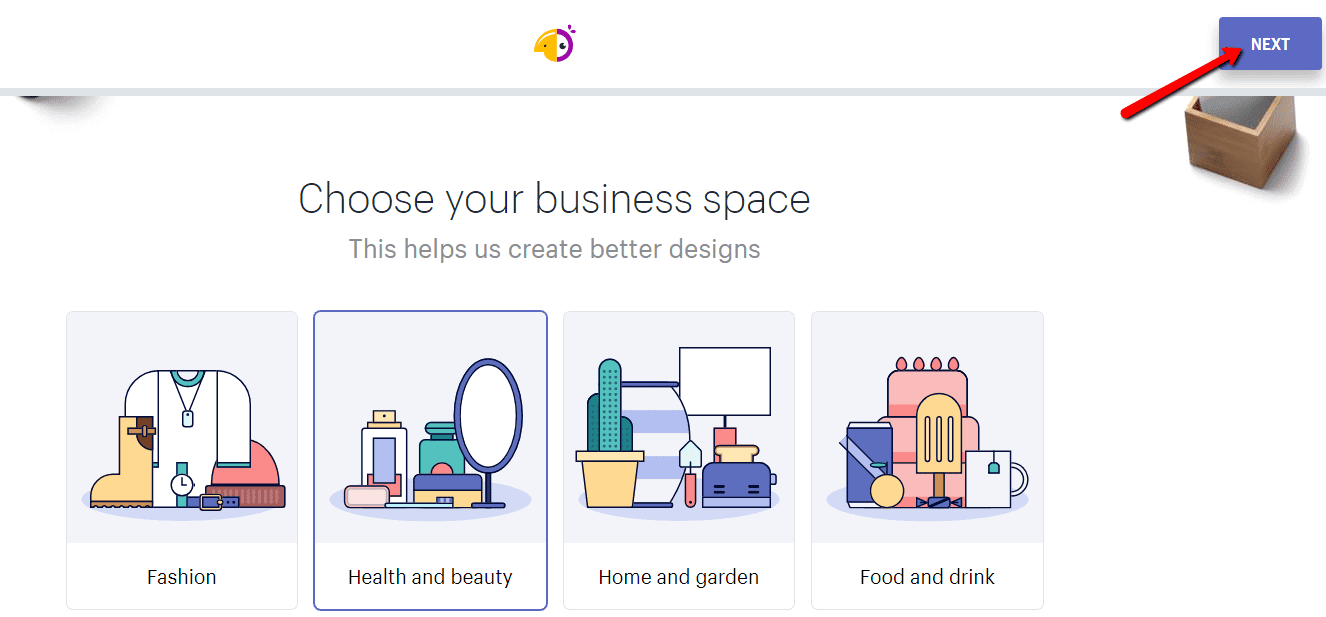
2. Wählen Sie den Bereich, zu dem Ihr Unternehmen gehört. Klicken Sie auf “NEXT“.

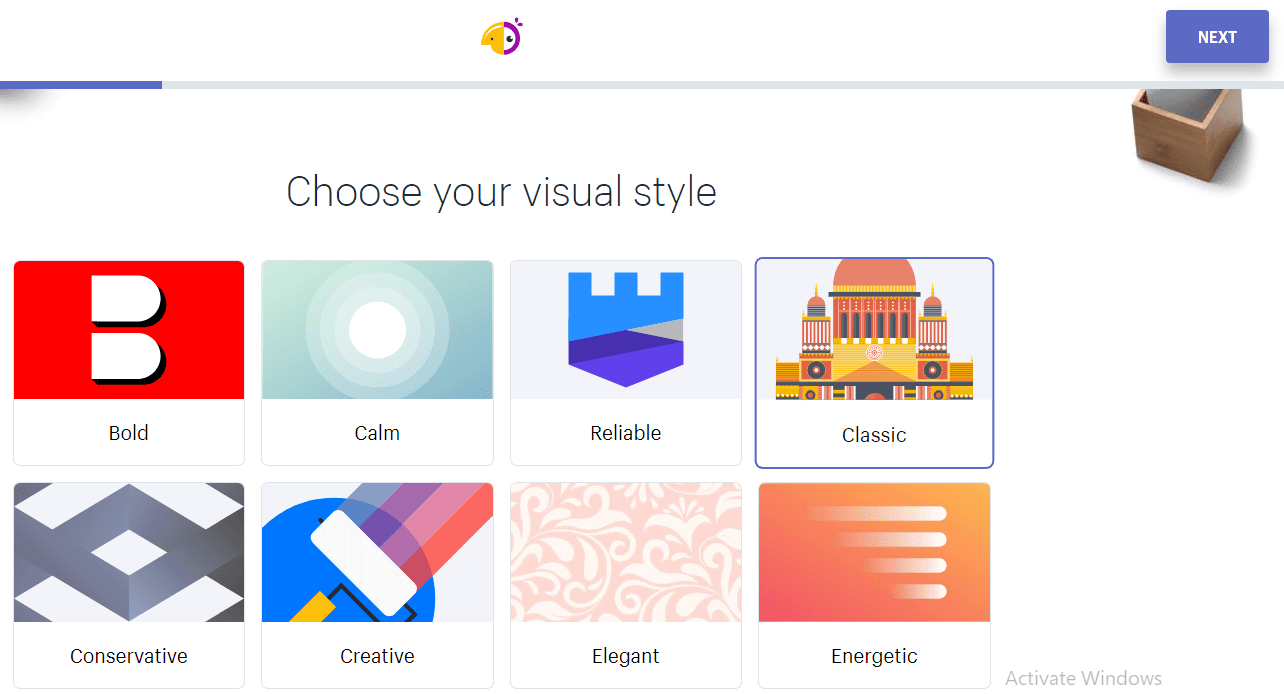
3. Wählen Sie den Stil Ihres neuen Logos. Klicken Sie auf “NEXT”.

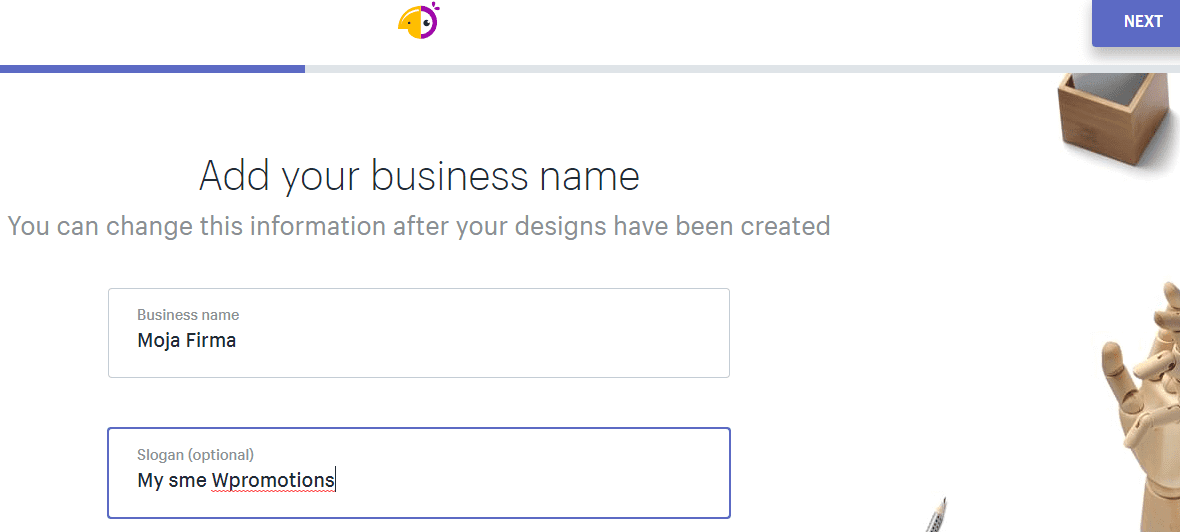
4. Geben Sie Ihren Firmennamen und Ihren Slogan ein.

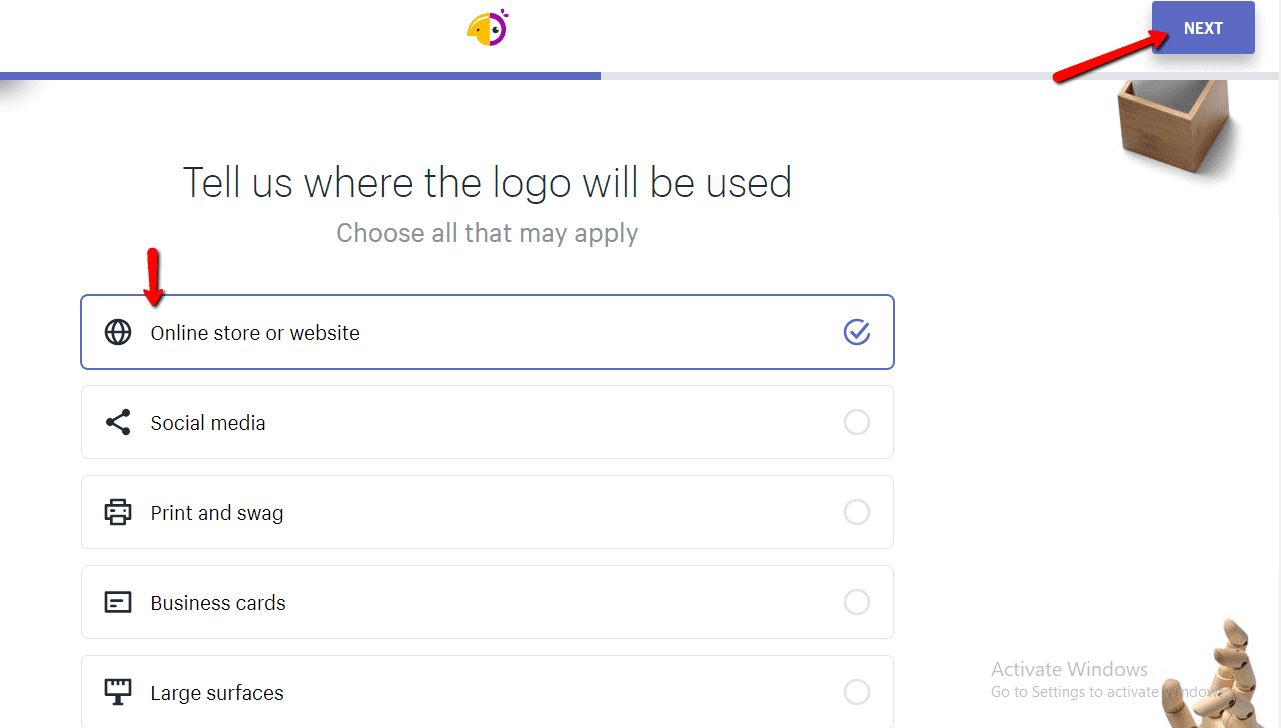
5. Wählen Sie den Zweck, für den Sie das Logo benötigen.

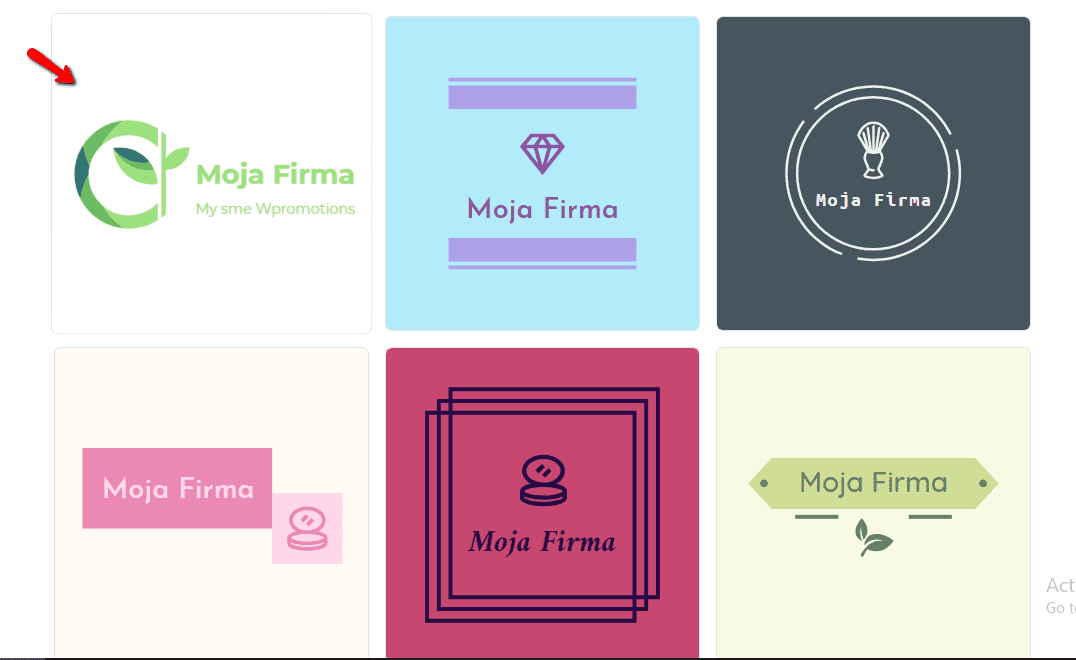
6. Wählen Sie ein LOGO aus dem Angebot aus.

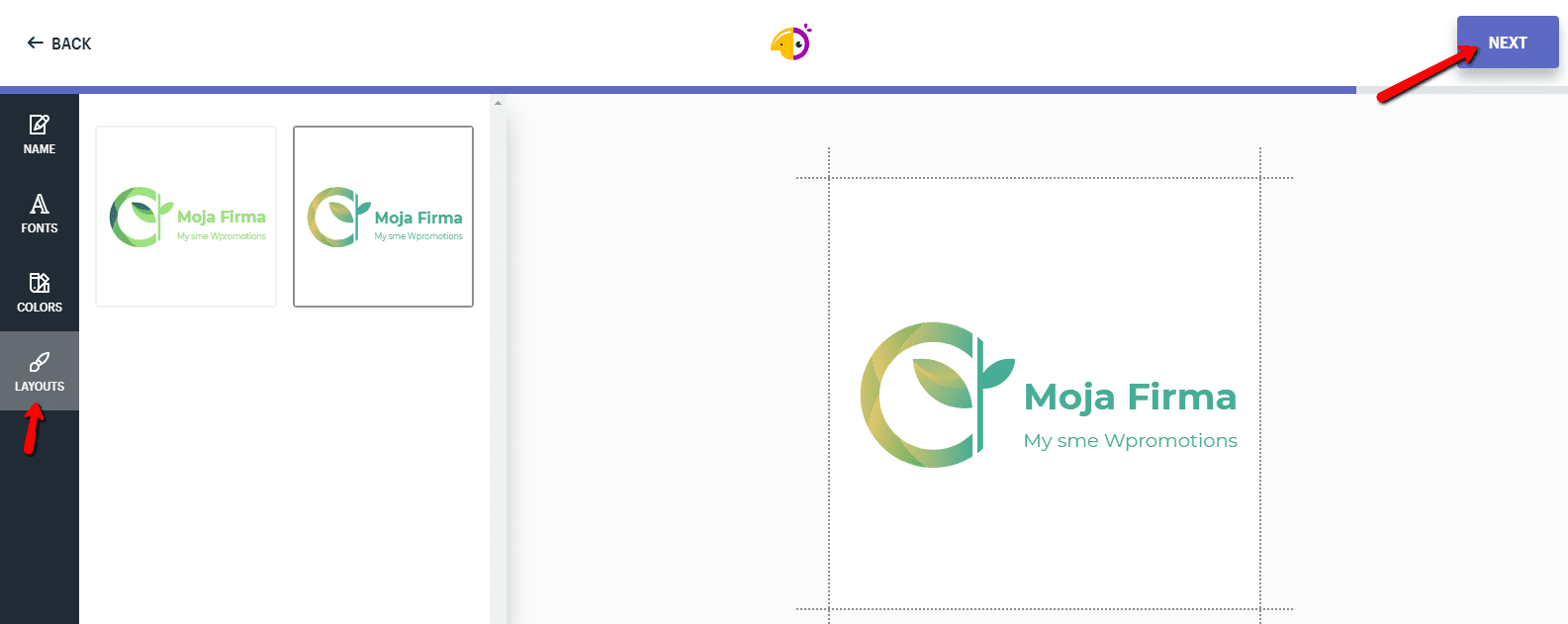
7. Passen Sie Ihr Logo an. Ändern Sie die Schriftart, Farbe oder das allgemeine Erscheinungsbild des Logos. Klicken Sie auf NEXT.

8.Um die Datei mit dem neuen Logo herunterzuladen, klicken Sie auf „Download“ und geben Sie Ihre E-Mail-Adresse ein.
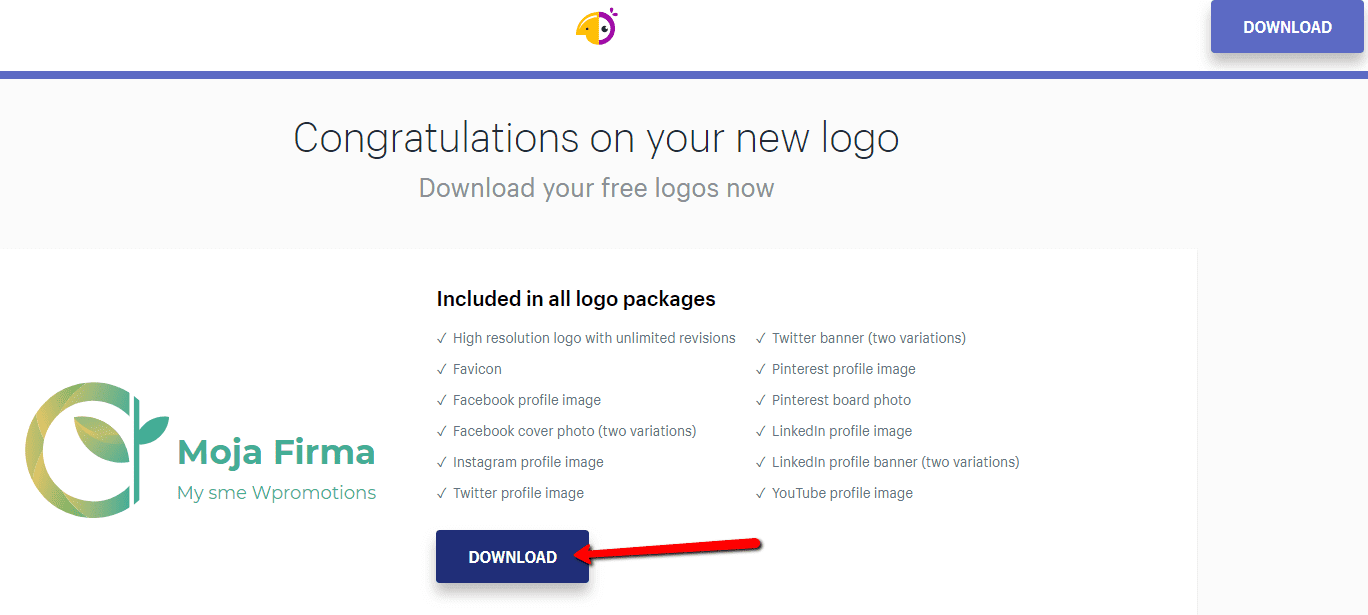

Und Sie sind fertig 🙂 …
Sie erhalten per E-Mail einen Link zum Herunterladen der Datei, der verschiedene Formate enthält, z. B. ein transparentes Logo …
Liste aller Logo-Formate, die Sie kostenlos erhalten:
- High resolution logo with unlimited revisions
- Favicon
- Facebook profile image
- Facebook cover photo (two variations)
- Instagram profile image
- Twitter profile image
- Twitter banner (two variations)
- Pinterest profile image
- Pinterest board photo
- LinkedIn profile image
- LinkedIn profile banner (two variations)
- YouTube profile image
Weitere tolle Tutorials


Tvorba webu vo Webnode s pomocou umelej inteligencie (AI).
Webové stránky s Webnode a umelou inteligenciou (AI) Výhody tvorby webu pomocou použitia umelej inteligencie NÁVOD: Ako vytvoriť web vo Webnode pomocou umelej inteligencie? Migrácia webovej stránky k Webnode pomocou AI Užívateľské skúsenosti s tvorbou webu pomocou AI...

Google Business Sites have been discountinued. Webnode is a fast and easy alternative!
Google Business Sites - discountinued Google Business Sites - alternatives Webnode as an alternative to Google Business Sites Webnode AI migration tool A few words at the end Webnode as an alternative to Google Business Sites - Frequently Asked Questions (FAQ)Google...
Google Business Sites končí. Webnode je rychlá a jednoduchá alternativa!
Google Business Sites končí Google Business Sites - alternativy Webnode jako alternativa k Google Business Sites Webnode AI migration tool Pár slov na závěr Webnode jako alternativa k Google Business Sites - Časté dotazy (FAQ)Google Business Sites končíPokud jste se...
Google Business Sites končia. Webnode je rýchla a jednoduchá alternatíva!
Google Business Sites končia Google Business Sites - alternatívy Webnode ako alternatíva k Google Business Sites Webnode AI migration tool Pár slov na záver Webnode ako alternatíva k Google Business Sites - Časté otázky (FAQ)Google Business Sites končiaAk ste sa...
How to add reviews from Facebook to a website in Webnode?
Facebook Reviews in Webnode Facebook Reviews - free VS premium Facebook Reviews - choose the right type Facebook Reviews widget and Webnode e-shop/web TUTORIAL: How to add reviews from Facebook to a website in Webnode? A few words at the end Facebook Reviews HTML...

Jak přidat recenze z Facebook na web ve Webnode?
Facebook Recenze ve Webnode Facebook Recenze - zdarma VS premium Facebook Recenze - vyberte si ten správný typ Facebook Recenze widget a Webnode e-shop/web NÁVOD: Jak přidat recenze z Facebook na web ve Webnode? Pár slov na závěr Facebook Recenze HTML Widget - Časté...

Ako pridať recenzie z Facebook na web vo Webnode?
Facebook Recenzie vo Webnode Facebook Recenzie - zdarma VS premium Facebook Recenzie - vyberte si ten správny typ Facebook Recenzie widget a Webnode e-shop/web NÁVOD: Ako pridať recenzie z Facebook na web vo Webnode? Pár slov na záver Facebook Recenzie HTML Widget -...

Hogyan adj Google Véleményeket a weboldaladhoz
Google Vélemények a Webnode-ban Google Vélemények - Ingyenes VS Prémium Google Vélemények - Válaszd ki a megfelelő típust Google Vélemények Widget és Webnode webáruház/Weboldal TUTORIAL: Hogyan adjunk hozzá Google véleményt a Webnode weboldalunkhoz? Néhány szó...
How to add notification pop-up widget in Webnode? FREE!
Notification pop-up in Webnode Notification Pop-up window - free VS premium Notification pop-up window - choose the right type Notification Pop-up window and Webnode e-shop/web Pop-up window - also works on mobile/tablet TUTORIAL: How to easily add a pop-up in...

